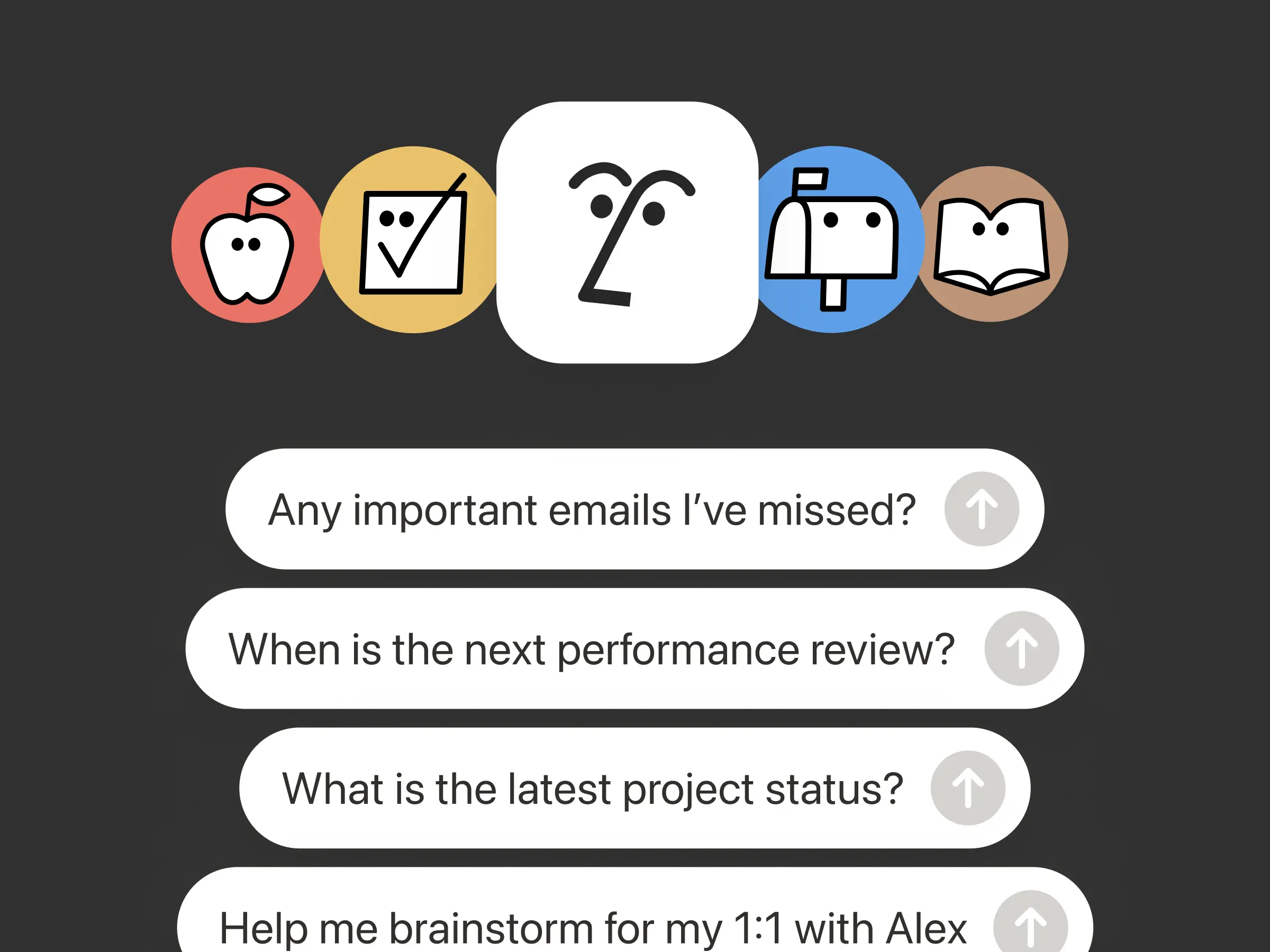
Deine Agenten und Teams basieren auf Kontext. Wenn du Agenten wechselst, ein neues Tool hinzufügst oder ein neues Teammitglied begrüßt, solltest du nicht alles erneut erklären müssen. Notion bietet einen dauerhaften, geteilten Ort, an dem du festhalten kannst, was wichtig ist.
Bei diesem Update dreht sich alles um Kontext. Es geht darum, Daten, Tools und Fähigkeiten miteinander zu verbinden, damit du jeden Agenten und jedes Modell frei nutzen kannst.
Bei so vielen Veränderungen ist eins jedoch sicher: dein Kontext bleibt in Notion.
Agenten über das MCP mit Notion verbinden
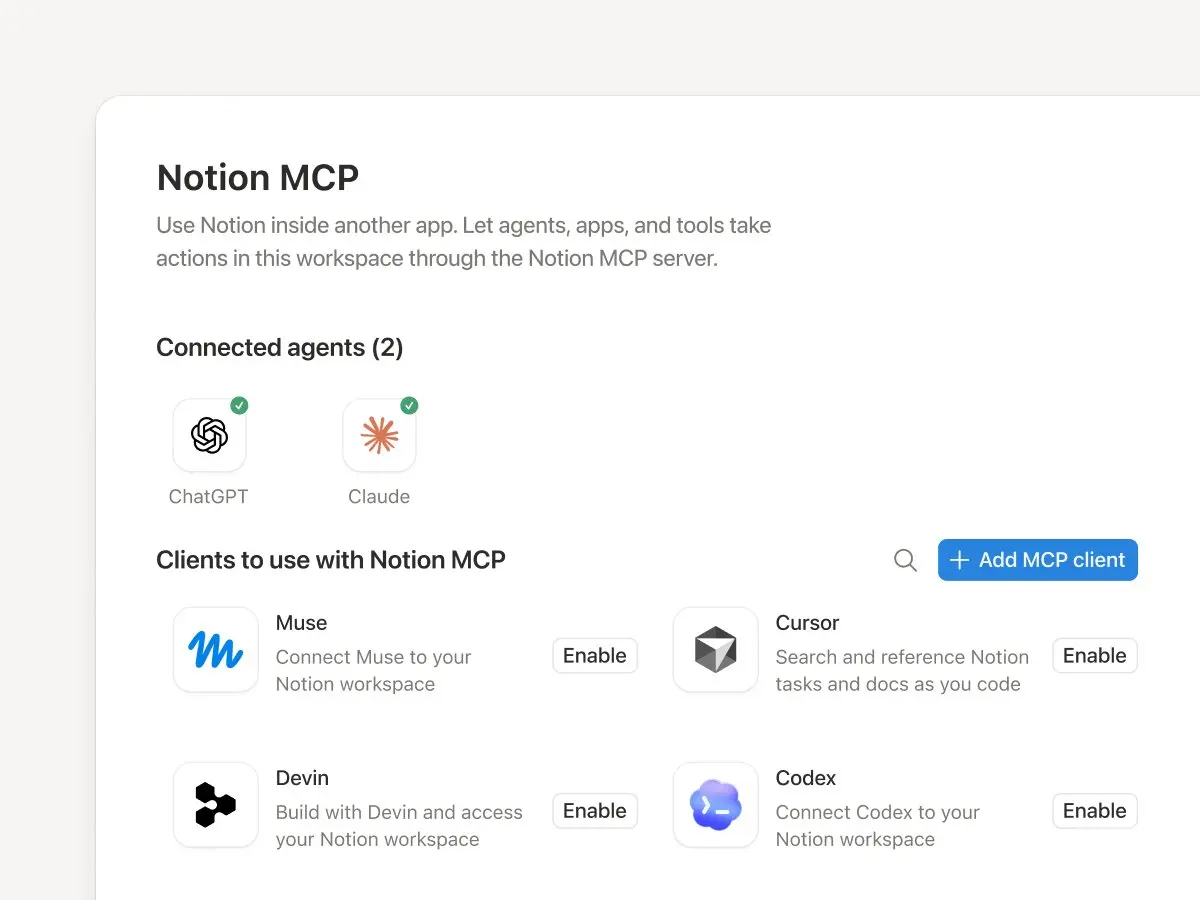
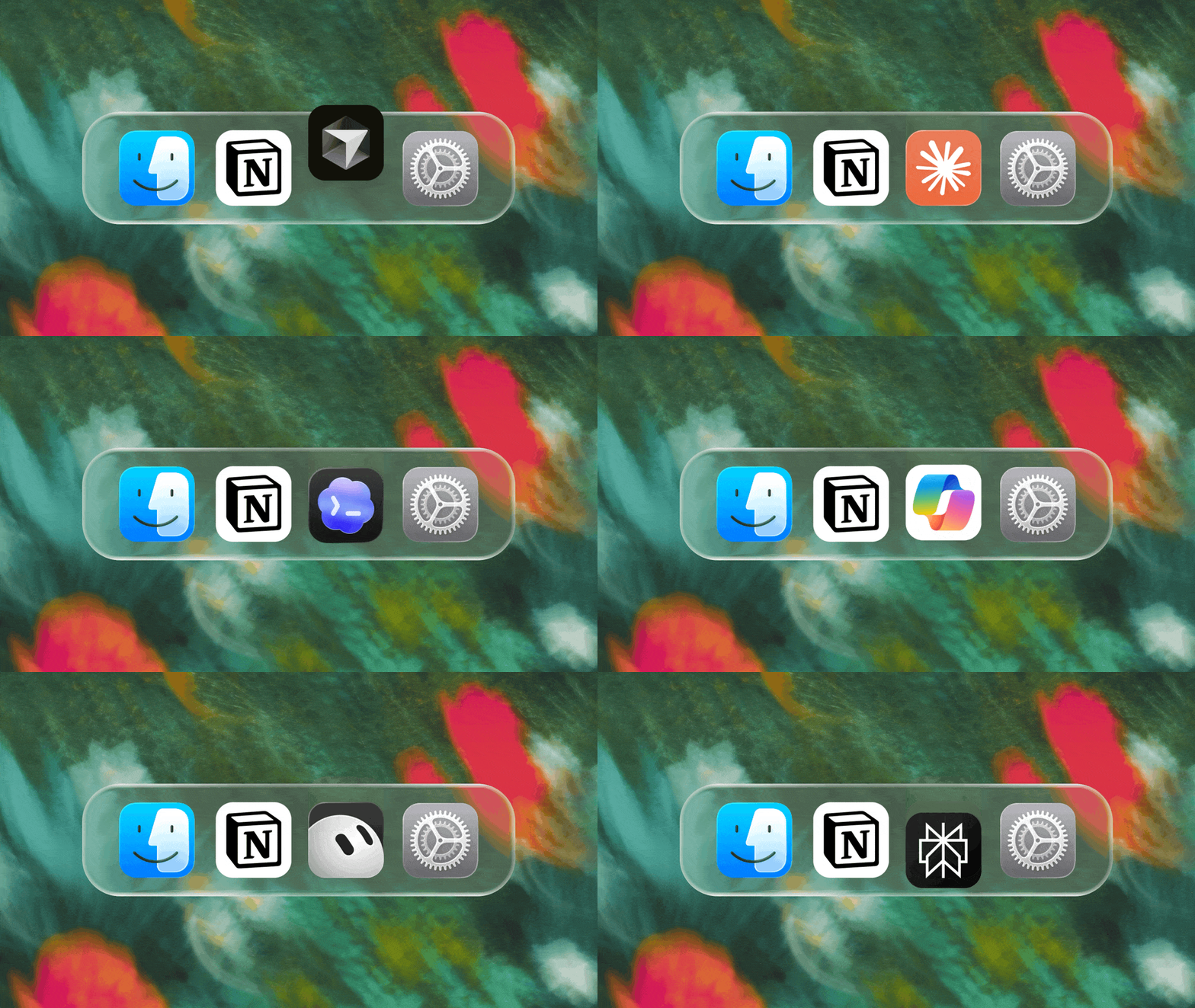
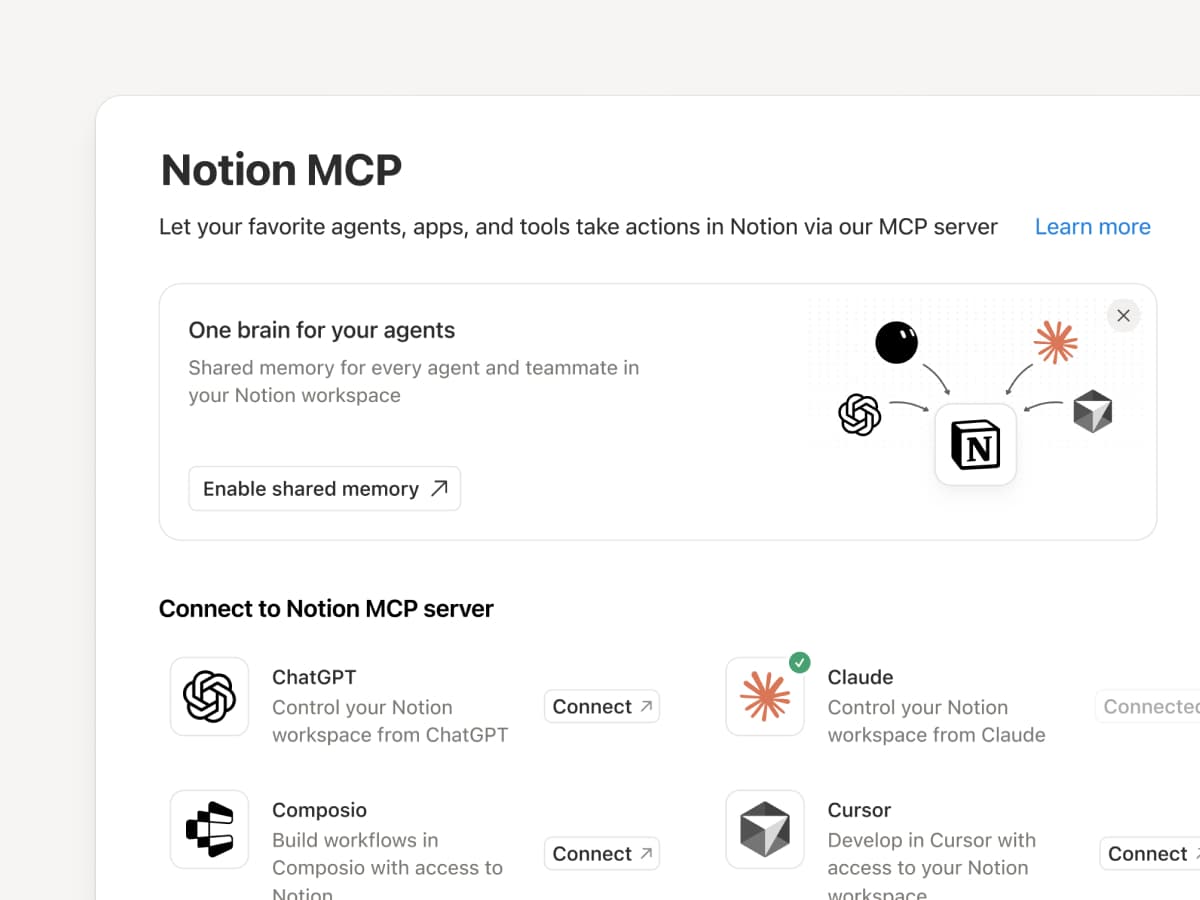
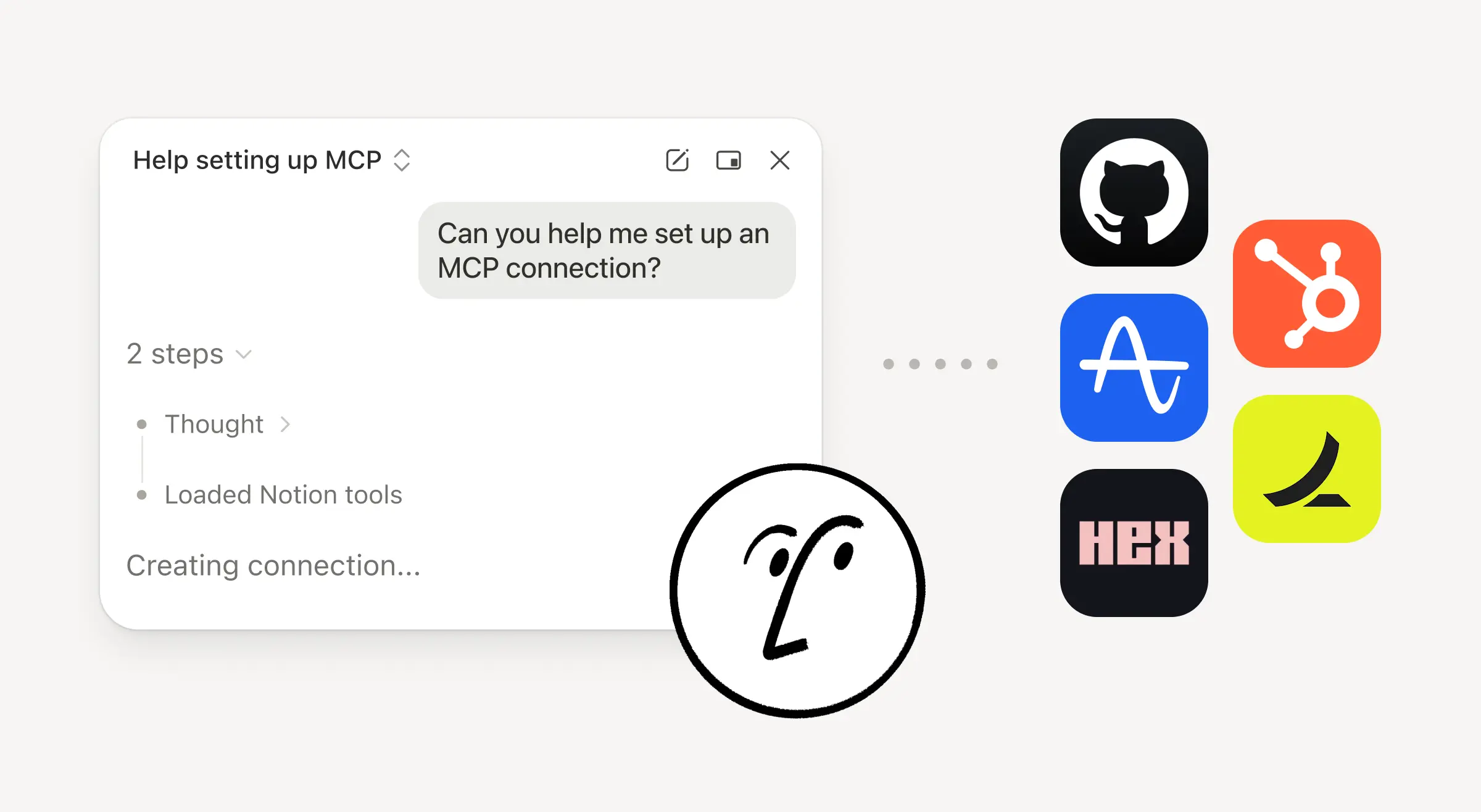
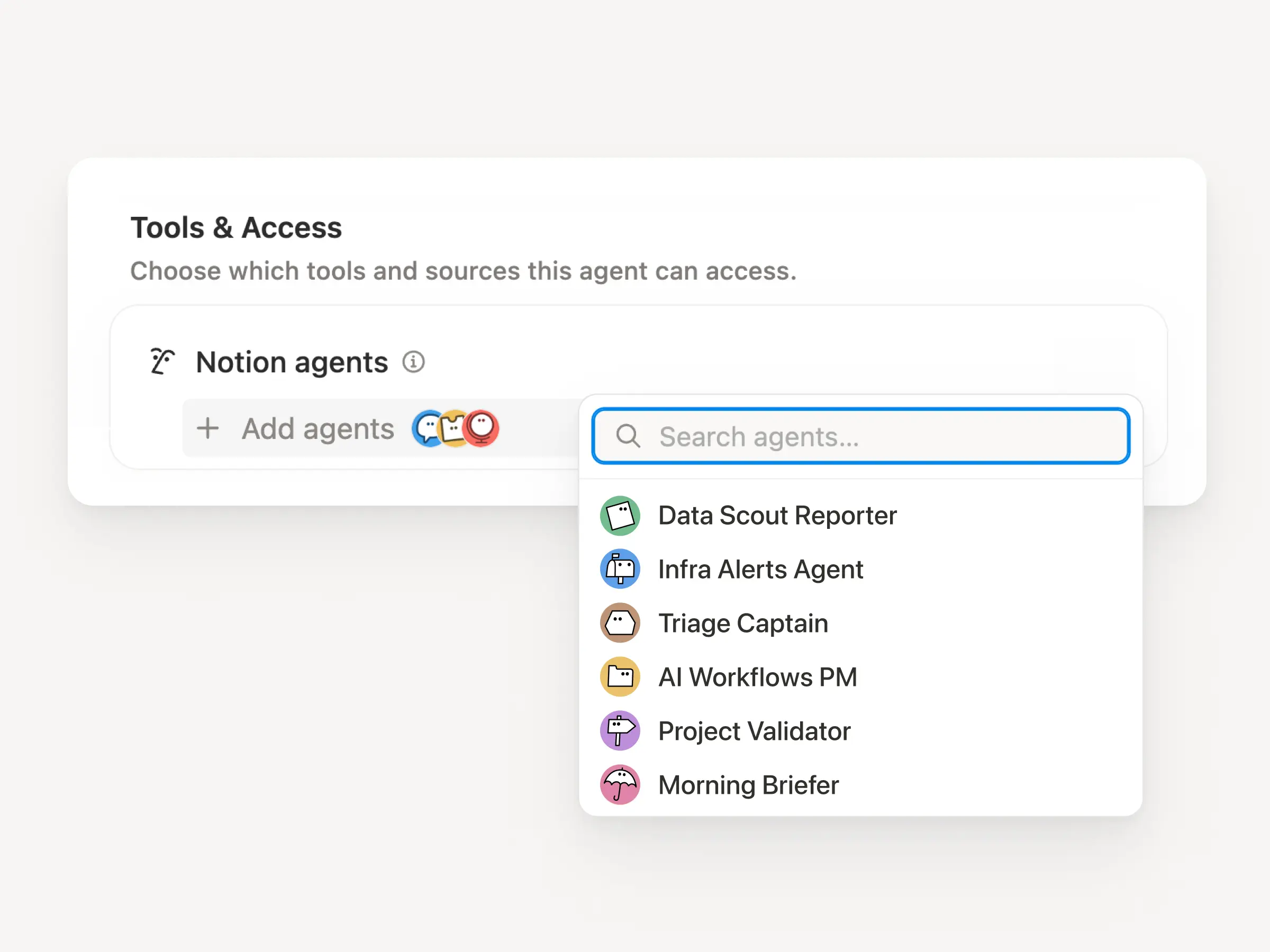
Verbinde einen MCP-kompatiblen Agenten mit Notion, damit er deinen Workspace-Kontext lesen und Dokumente sowie Aufgaben-Tracker aktualisieren kann. Egal, ob du Claudes, Muses, GrokBots, Dots oder einen anderen Agenten verwendest: Notion bietet ihnen einen geteilten Ort, an dem sie finden, was sie brauchen. So kannst du Agenten wechseln, ohne von vorne anfangen zu müssen. Einen Agenten mit Notion einrichten →
Und mit den MCP-Steuerelementen von Notion können Admins sehen, wer welches KI-Tool verbunden hat, prüfen, wann es zuletzt verwendet wurde, und den Zugriff einer Person widerrufen, ohne andere Verbindungen zu beeinträchtigen. MCP-Steuerelemente einrichten →
Füge die Tools, die dein Team bereits verwendet, in Notion dazu. MCP-Verbindungen ermöglichen es Notion Agents und Custom Agents, den Kontext aus diesen Tools zu nutzen und übergreifend Aktionen auszuführen. Erstelle in Notion ein Konto-Briefing unter Verwendung von HubSpot-Pipeline-Daten, füge Stripe-Abrechnungsdetails zu einer Kundenbewertung hinzu oder integriere Cloudflare-Infrastrukturdetails in eine Postmortem-Analyse. Und das ist erst der Anfang. Über 150 MCP-Verbindungen durchsuchen →
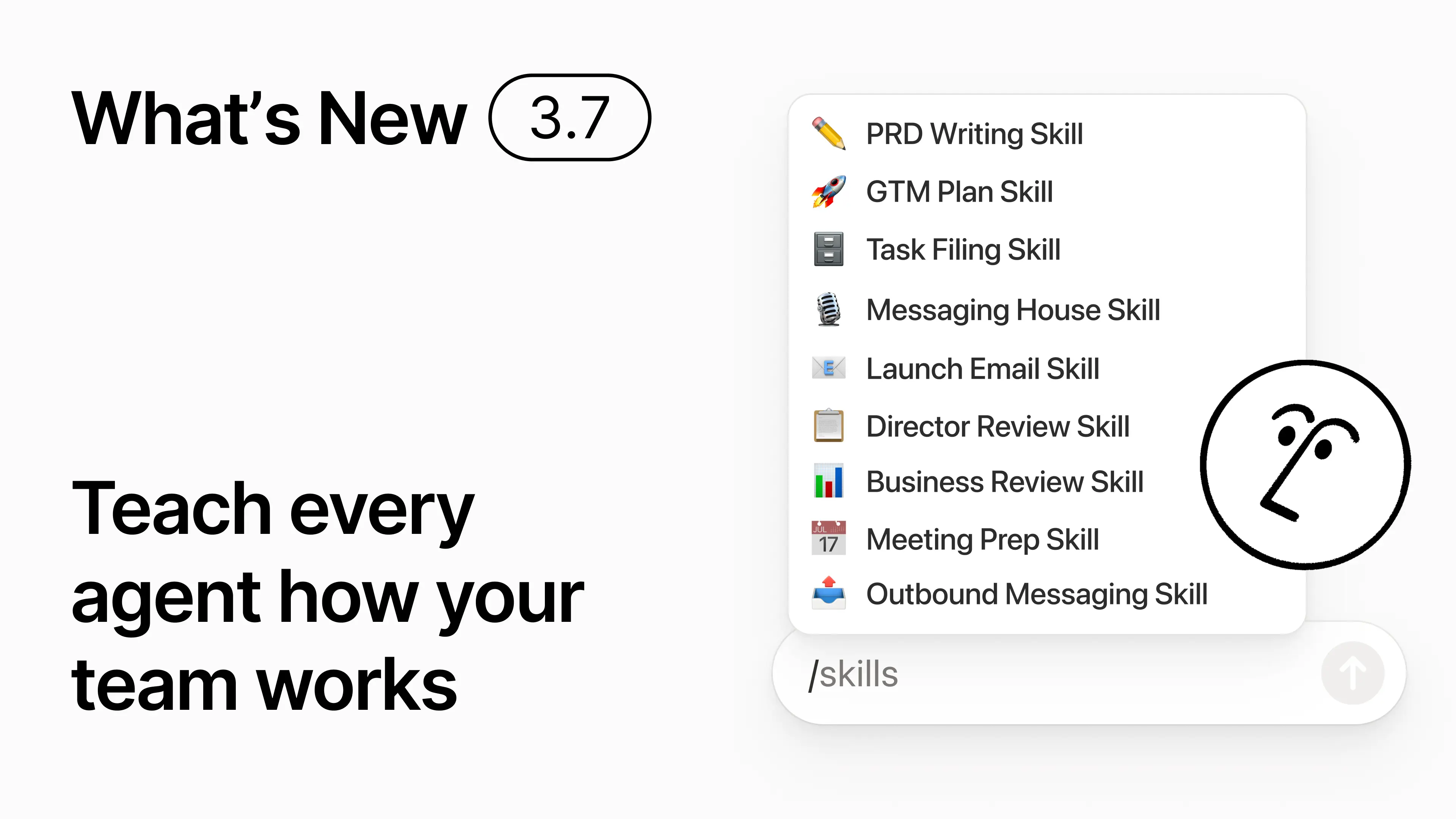
Schreibe eine Fähigkeit ein einziges Mal. Nutze sie mit jedem Agenten.
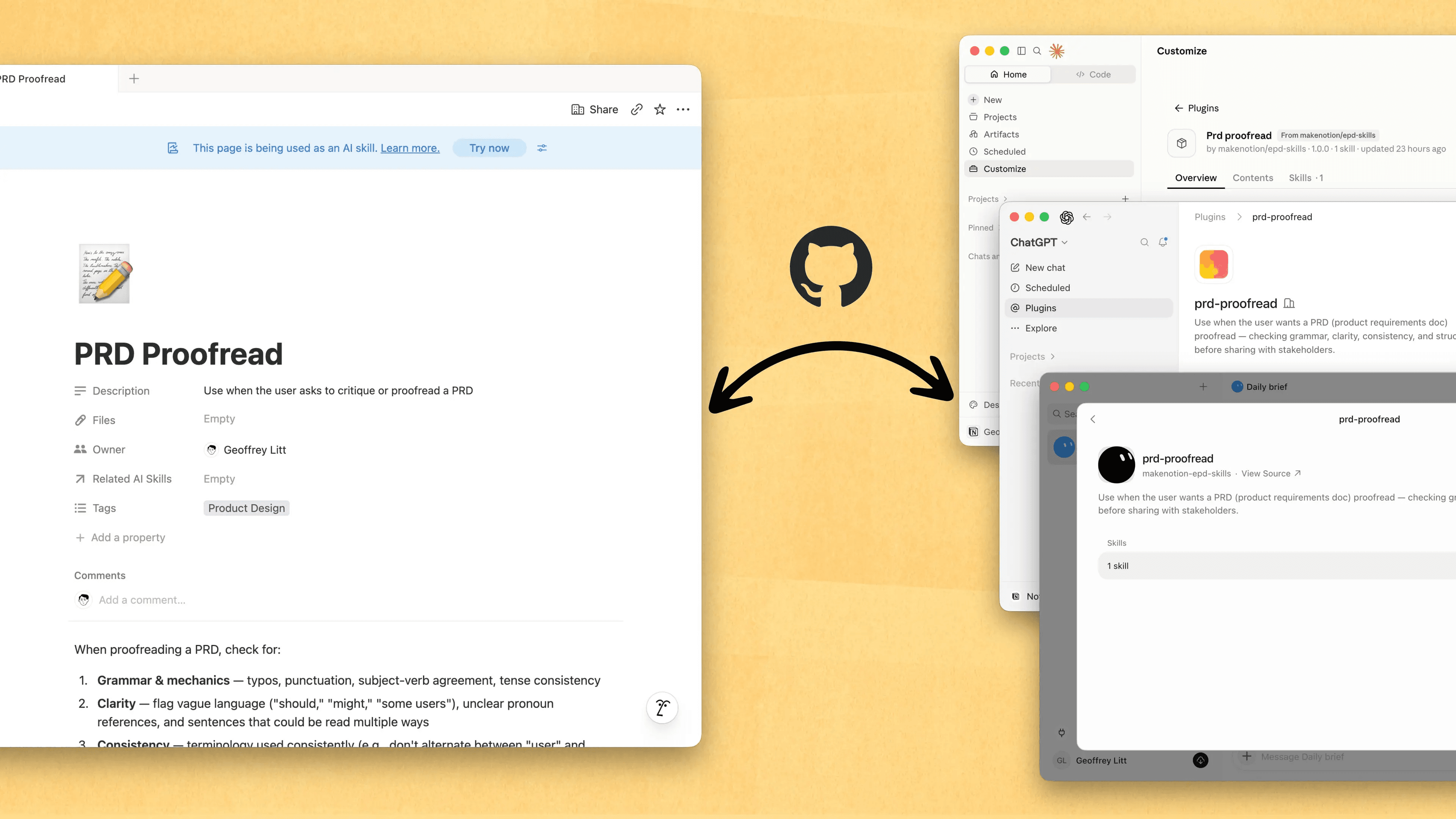
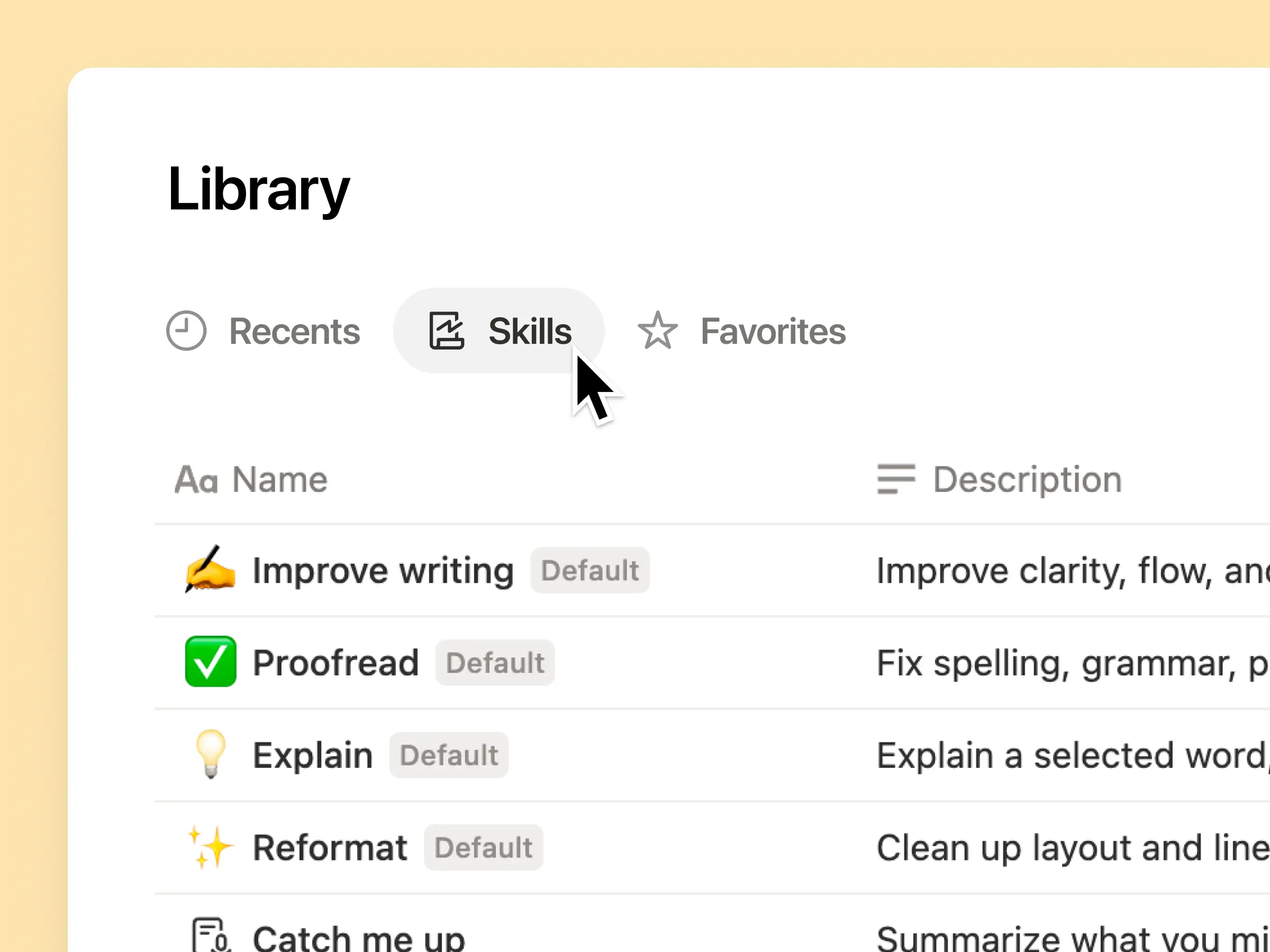
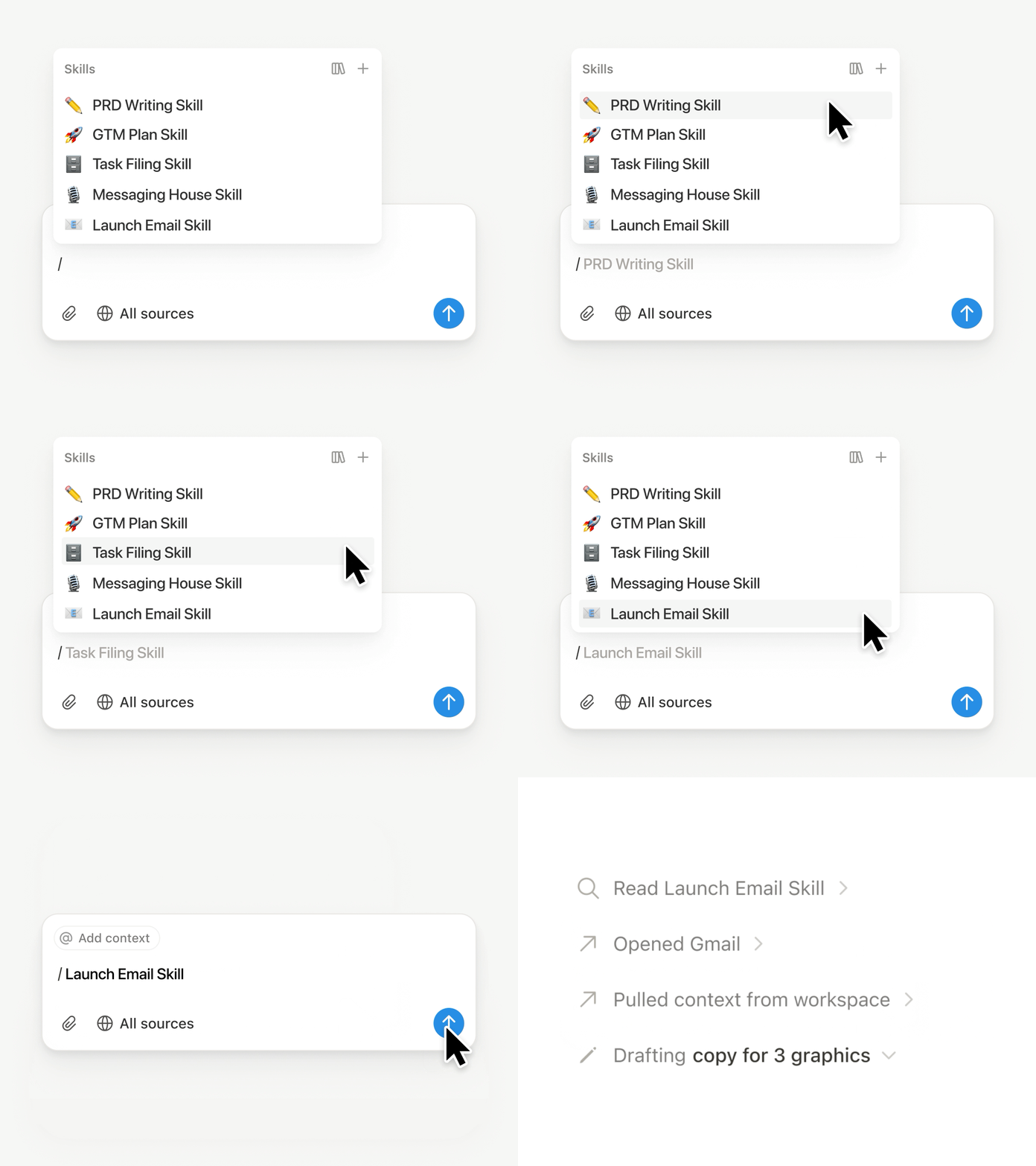
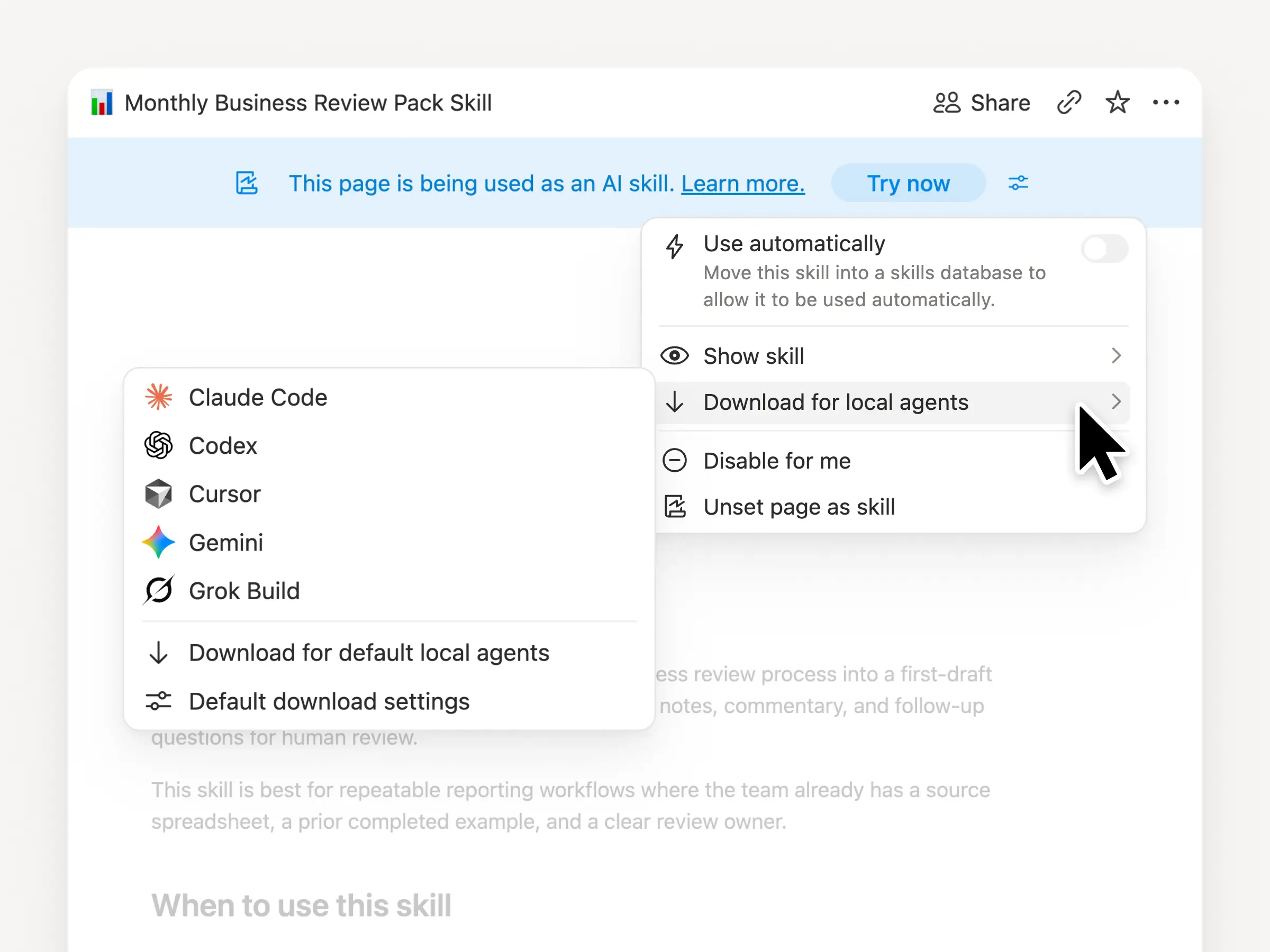
Fähigkeiten sind der beste Weg, Agenten beizubringen, wie du arbeitest … und das nicht nur für Entwickler/-innen. Jetzt ist Notion der beste Ort, um sie zu erstellen, zu teilen und auf dem neuesten Stand zu halten. Synchronisiere deine Fähigkeiten über ChatGPT, Claude und mehr hinweg mit der neuen Skills API, die Fähigkeiten aus Notion in GitHub lädt.
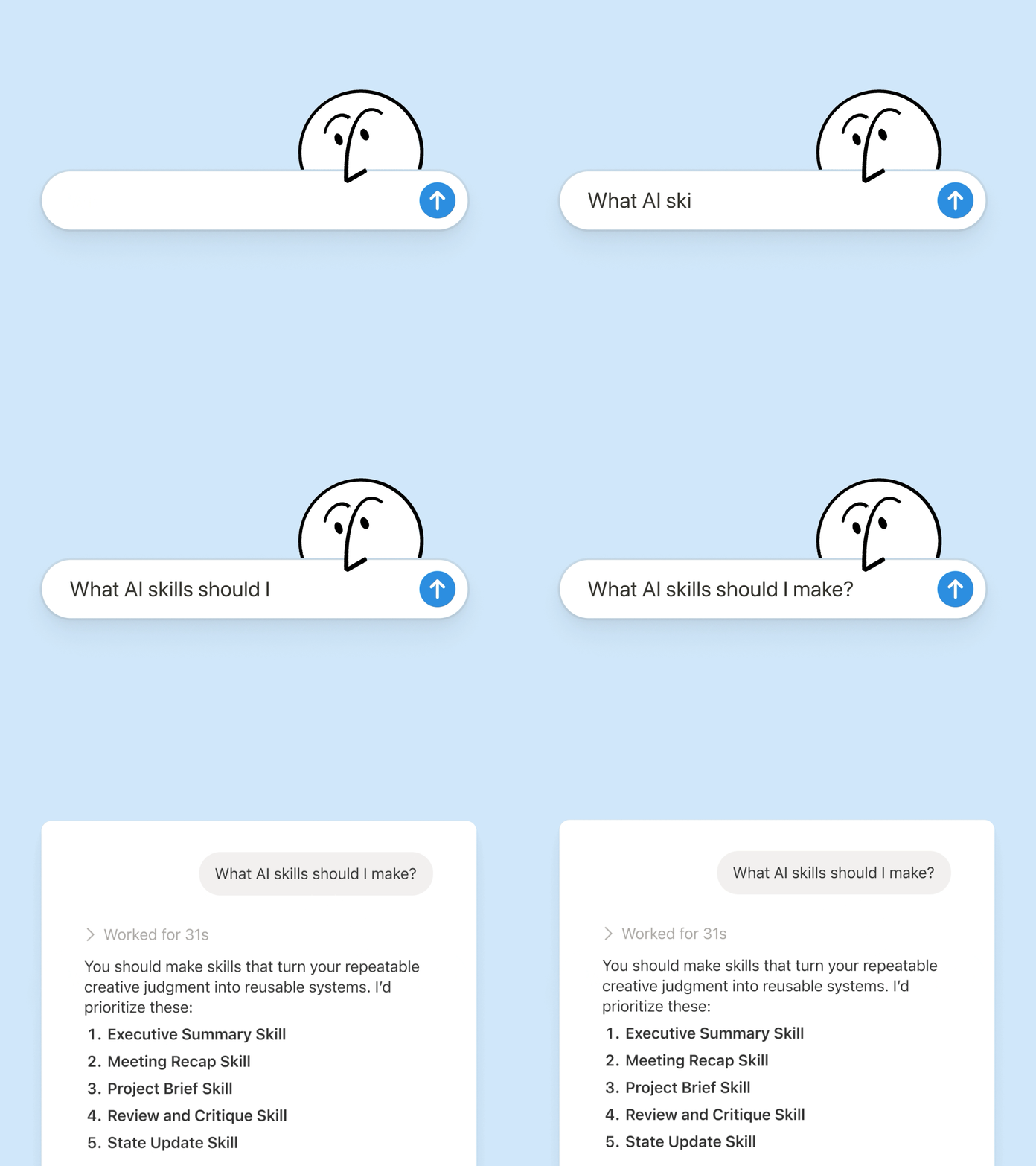
Hast du bereits Fähigkeiten für deine Agenten? Bitte deinen Agenten, sie mithilfe des MCP in Notion neu zu erstellen, und baue deine Bibliothek dann dort weiter aus. Hier findest du eine kurze Demo und weitere Unterlagen, um mehr zu erfahren.
Sieh dir jede Änderung von jeder Person und jedem Agenten an
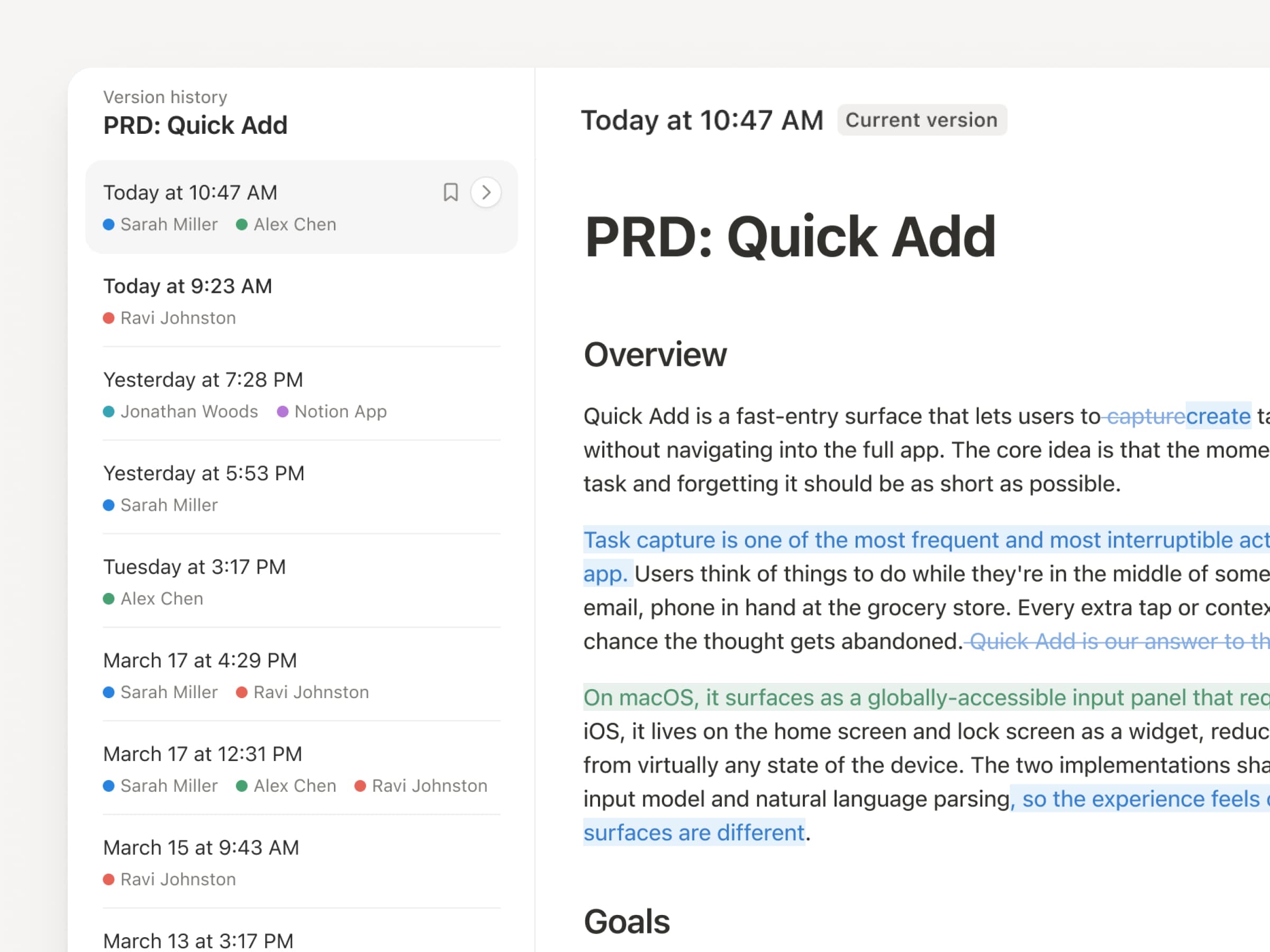
Da Agenten und Personen ständig Updates vornehmen, war der Versionsverlauf noch nie so wichtig wie jetzt. Also haben wir unseren Versionsverlauf verbessert! Du erhältst über Seiten und Datenbanken hinweg eine übersichtlichere Aufzeichnung, mit hervorgehobenen Bearbeitungen, detaillierten Datenbankänderungen und Zuordnungen. Lass deine Agenten arbeiten, während ihre Änderungen stets sichtbar und sicher sind. Überprüfe, was sich geändert hat, sieh nach, wer es geändert hat, und stelle frühere Versionen mit einem schnellen Klick wieder her. Mehr erfahren →
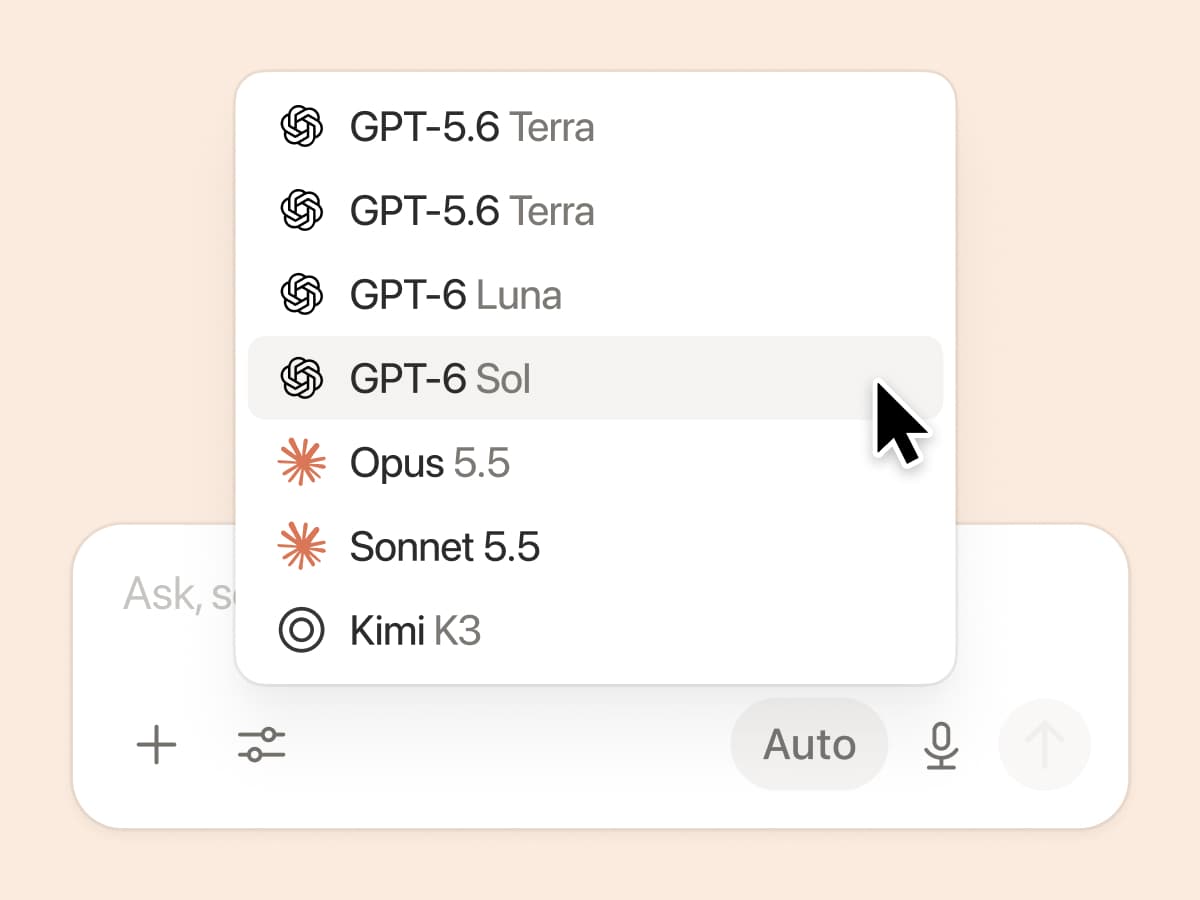
Zahl nicht doppelt. Nutze deinen ChatGPT-Plan in Notion.
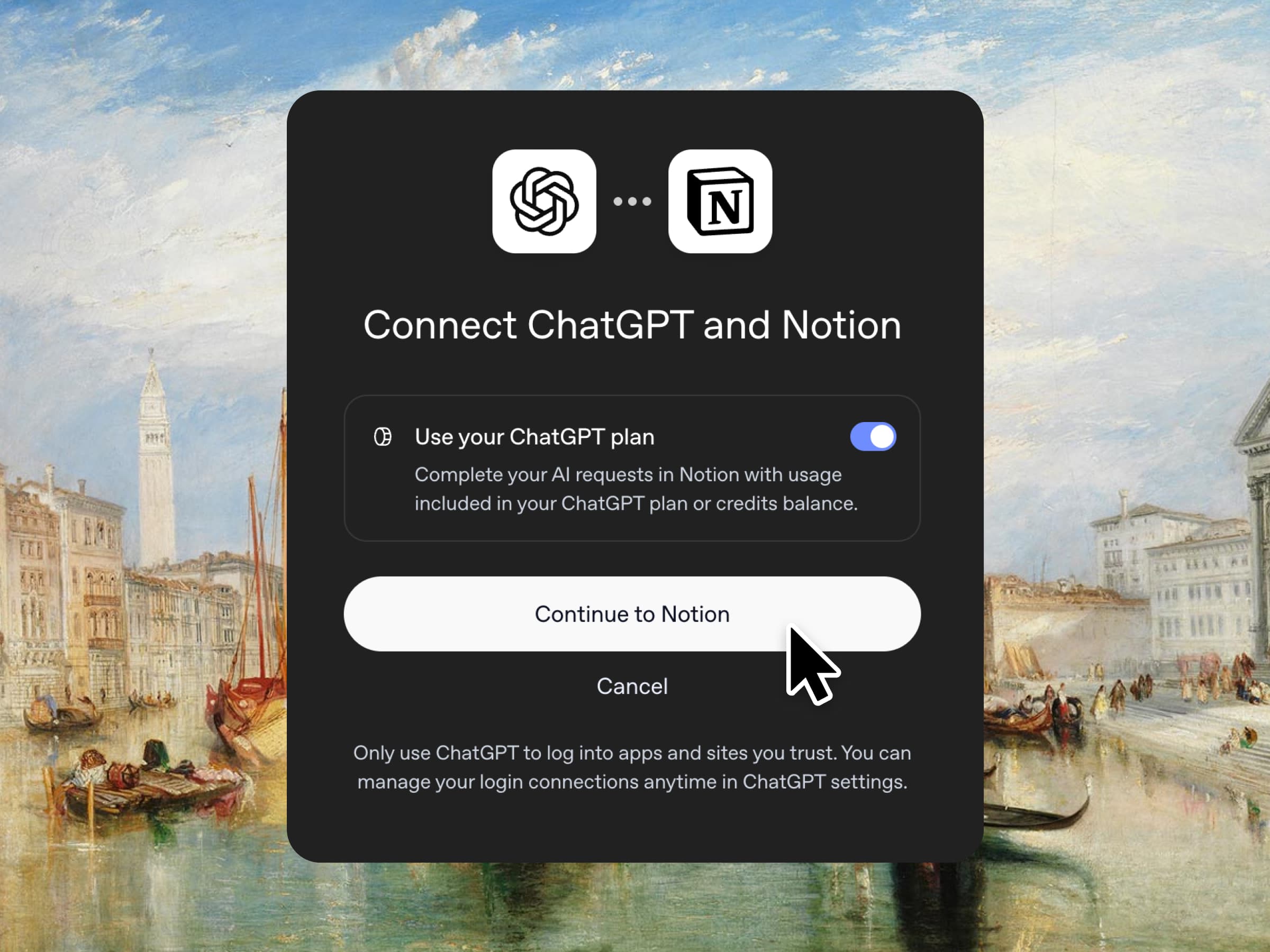
Ja, du hast richtig gelesen. Wenn du ChatGPT Plus oder Pro hast, kann dein Abo jetzt deine KI-Nutzung in Notion abdecken. Verbinde einfach deinen Plan, wähle ein GPT-Modell aus und leg los. Wir erheben keinen Preisaufschlag. Wir wollen einfach, dass du die besten Tools für deine Arbeit zum besten Preis bekommst. Verfügbar für Business und Enterprise Plans. Sieh dir eine kurze Demo und die entsprechenden Unterlagen an.
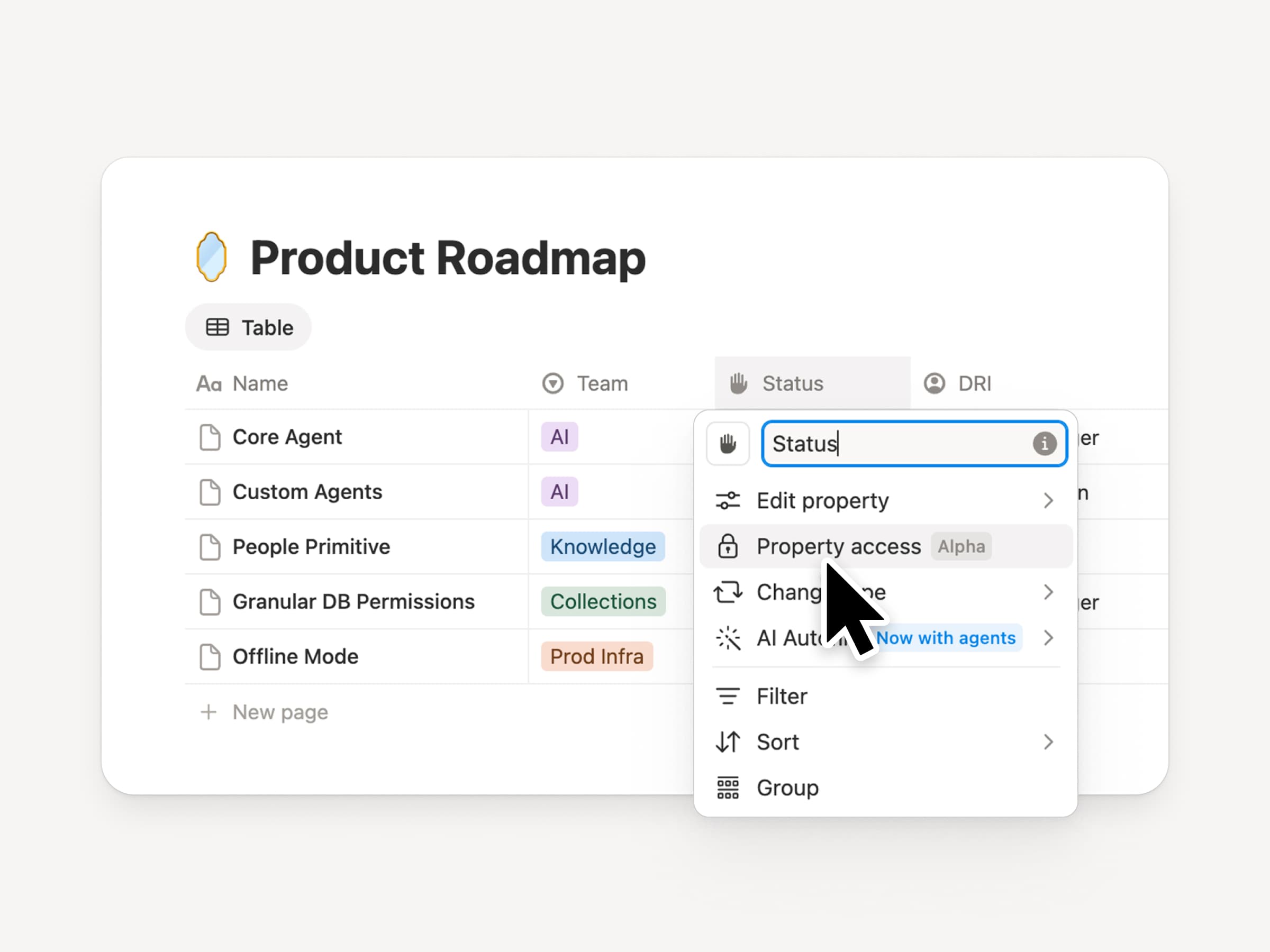
Spaltenberechtigungen in Datenbanken
Notion-Datenbanken bieten Teams und Agenten eine geteilte, aktuelle Kontextquelle. Doch sowohl Teams als auch Agenten benötigen die richtige Zugriffsebene. Spaltenberechtigungen waren jahrelang eine der am häufigsten angefragten Funktionen(wir haben uns Zeit genommen, diese Funktion richtig umzusetzen). Sie ermöglichen es den Besitzer-/innen von Datenbanken, festzulegen, welche Eigenschaften jede Person oder jeder Agent anzeigen oder bearbeiten kann. Recruiting-Teams können bei Bewerbern zusammenarbeiten, ohne Vergütungsdaten offenzulegen. Support-Agenten können den Kontokontext nutzen, ohne eingeschränkte Kundendaten zu sehen. Sieh dir den Trailer von einem der Creators an!
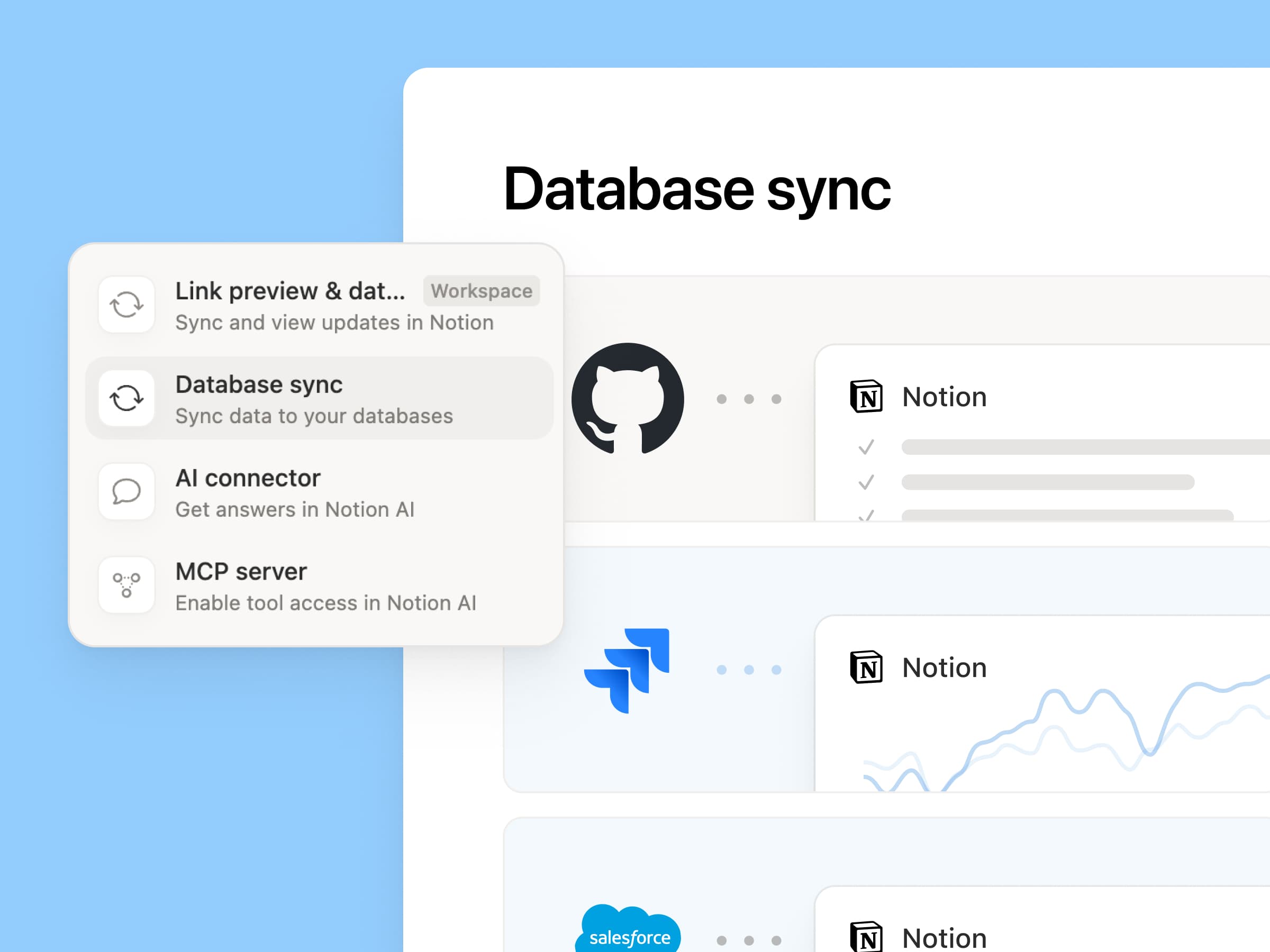
Wiedereinführung synchronisierter Datenbanken
Wir haben unsere synchronisierten Datenbanken überarbeitet, beginnend mit GitHub, Jira und Salesforce, damit deine Teams und Agenten immer mit den aktuellsten Daten arbeiten. Sie sind schneller, zuverlässiger und zeigen einen Live-Status für jede Synchronisierung an. Sie funktionieren wie jede andere Notion-Datenbank, sodass du eigene Eigenschaften hinzufügen, Ansichten erstellen und Automatisierungen auslösen kannst. Bei Notion erstellen wir Kunden-Hubs, indem wir Salesforce-Konten synchronisieren und mit Meeting-Notizen sowie Funktionsanfragen verknüpfen, sodass jedes Team mit derselben aktuellen Ansicht jedes Kunden arbeitet. Mehr erfahren →
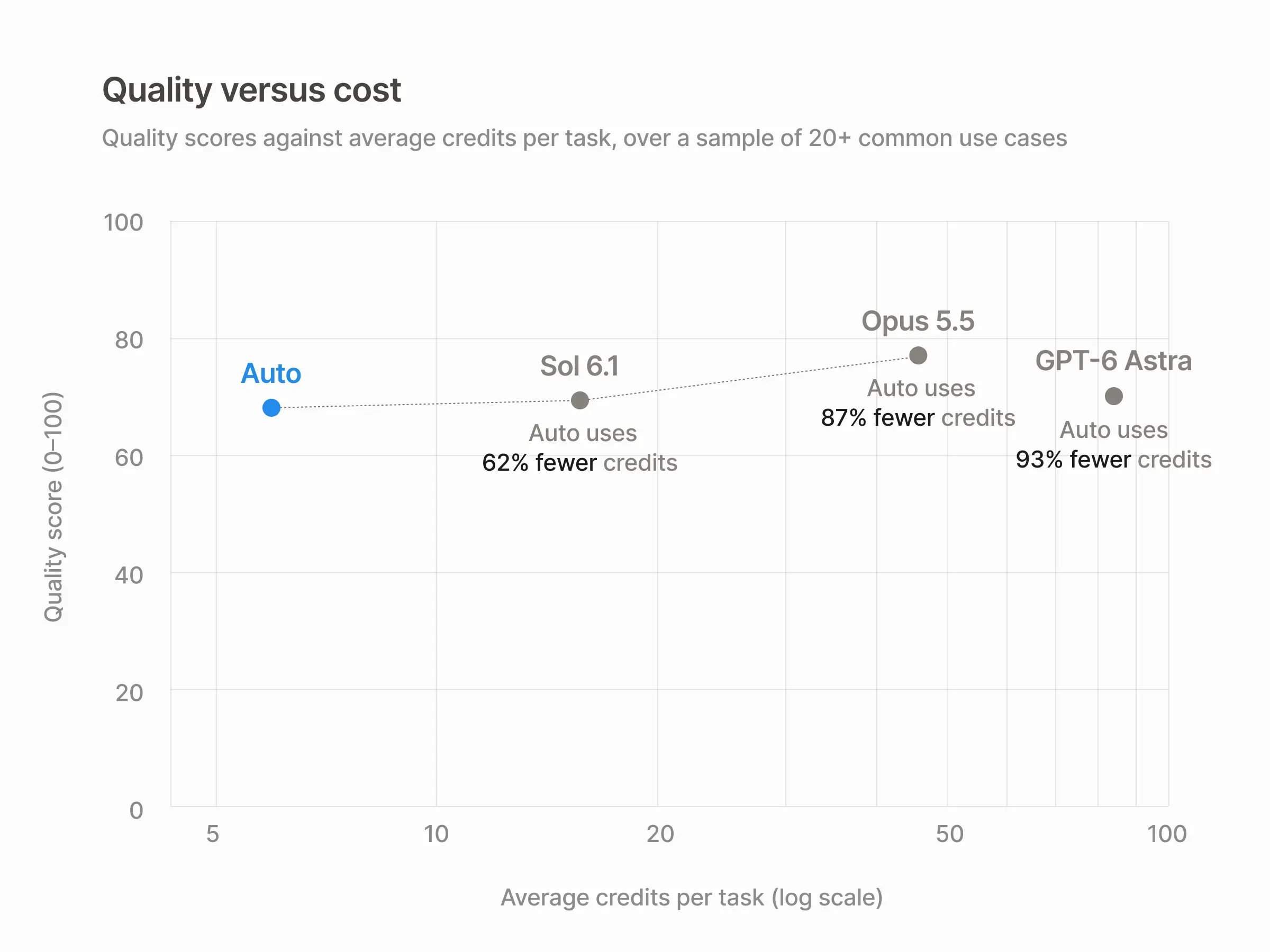
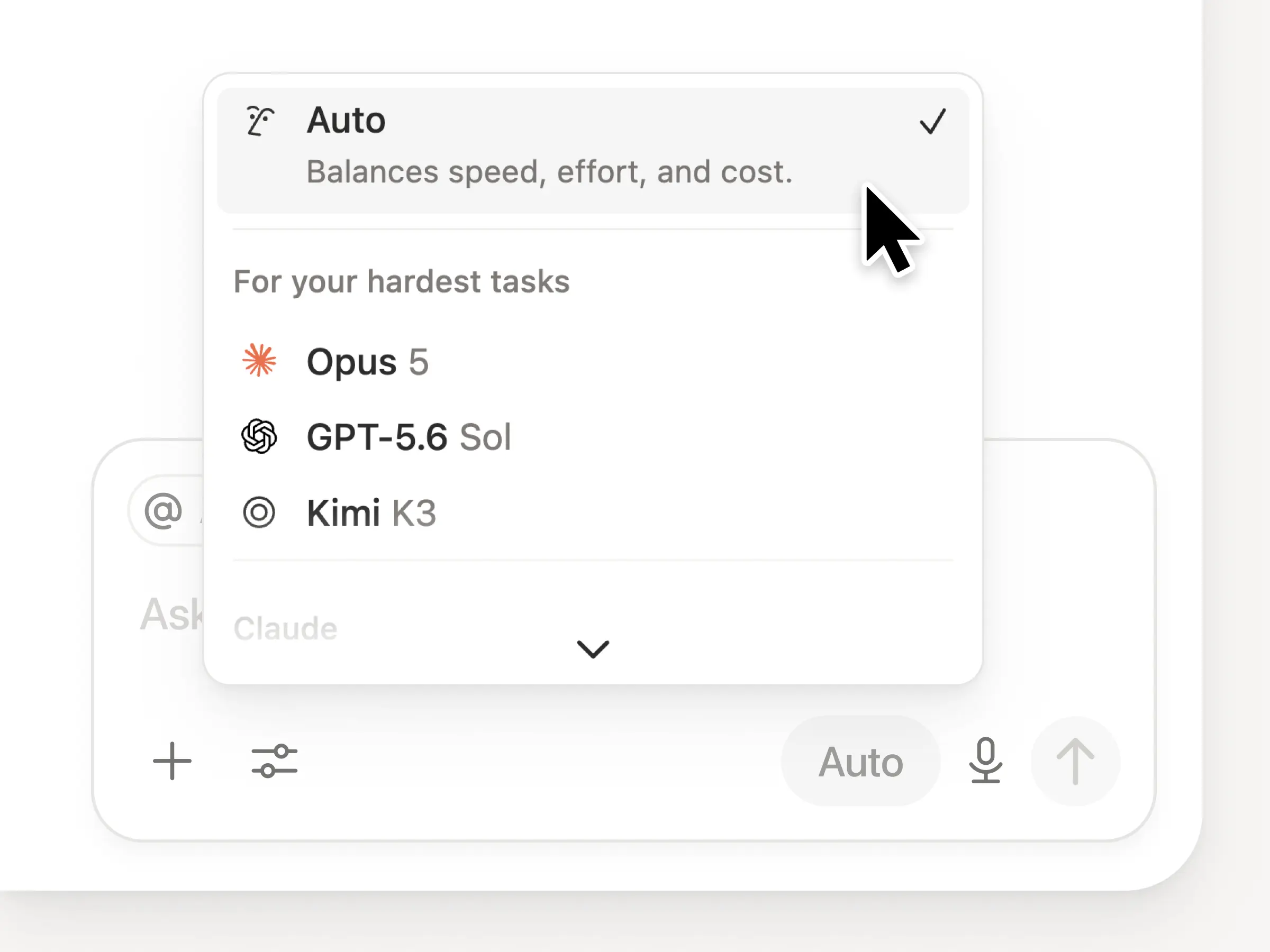
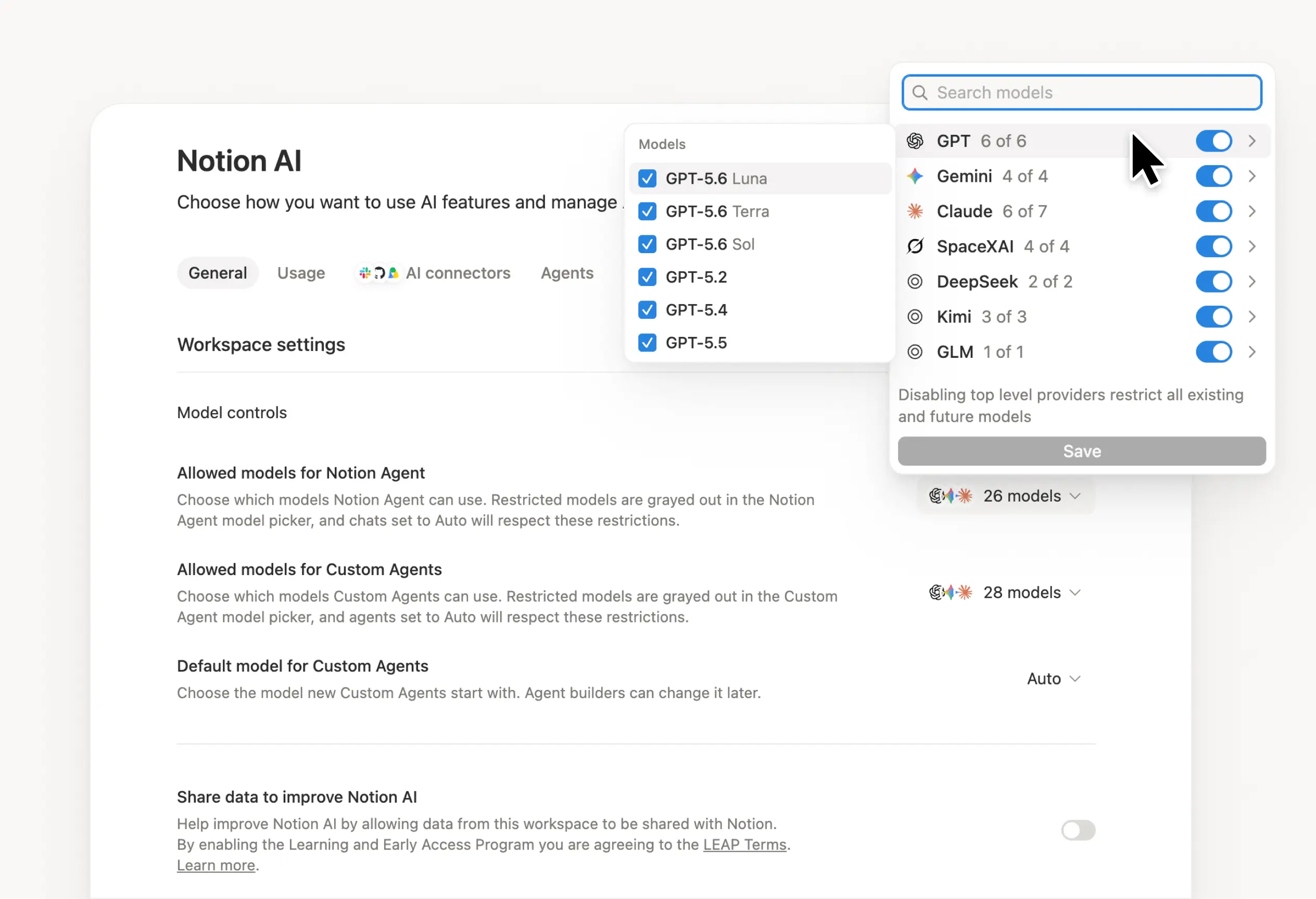
Die Labs sind wieder am Werk. Sieben neue Modelle wurden hinzugefügt, darunter GPT 6.1-Sol, GPT-6 Luna, Opus 5.5 und Sonnet 5.5. Du kannst alle Modelle nutzen und darauf vertrauen, dass sie alle stets über den aktuellen Stand deiner Teamarbeit informiert sind.
Und falls du es verpasst hast: Wir haben bewertet, wie Modelle bei einer Vielzahl von Wissensarbeitsaufgaben abschneiden – basierend auf anonymisiertem Live-Traffic und einer Bewertung durch Modelle. Sieh dir unser Knowledge Board → an
Weitere Möglichkeiten, Kontext anzubinden und zu verwalten
Neu gestaltete Verbindungseinstellungen: Suche oder stöbere nach Kategorie, schau dir an, wie jedes Tool verbunden wird, und sieh dir Beispiel-Workflows an. Admins haben die Möglichkeit, nur von Notion verifizierte Tools oder bestimmte Tools ihrer Wahl zuzulassen.
Notion-Benachrichtigungen in Microsoft Teams: Erhalte Notion-Erwähnungen, -Kommentare und -Zugriffsanfragen in Teams und antworte, ohne die App zu wechseln.
Wir können es kaum erwarten zu sehen, wie Notion zum Rückgrat deines Docks wird.