¿Has visto a esas personas a las que se les da fenomenal darle indicaciones a la IA? ¿Y que han descubierto cómo gestionar mejor las tareas repetitivas? Ahora pueden convertir ese conocimiento en una habilidad y hacer que todo el equipo mejore.
Las habilidades son instrucciones reutilizables que enseñan a la IA cómo trabaja tu equipo. Como generar un informe mensual de negocio con el formato de tu equipo. O revisar tu documento de la misma forma que lo haría tu jefe. Son como atajos de equipo para llevar a cabo las tareas repetitivas. Crear una habilidad →
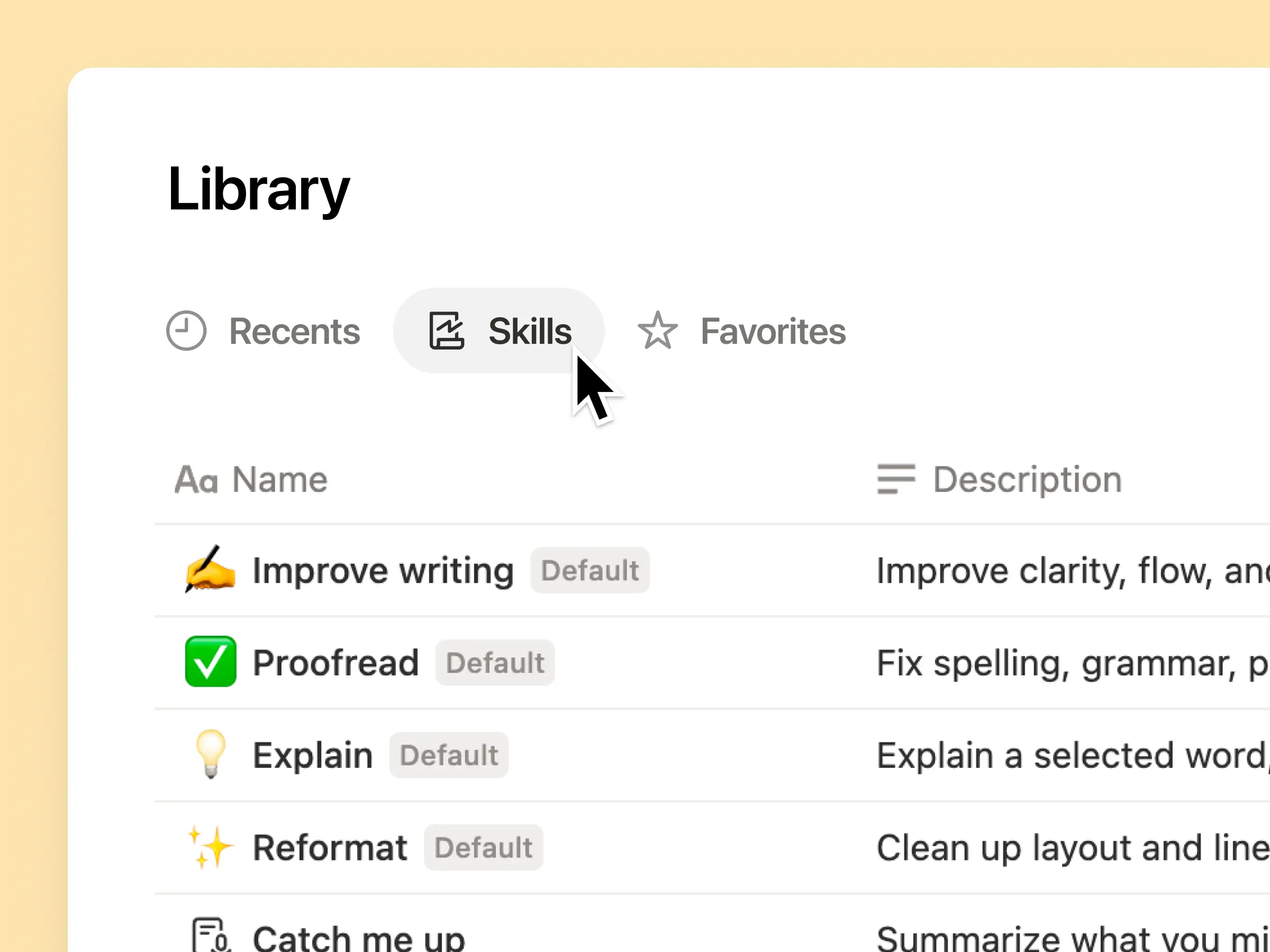
Todas las habilidades de IA que tu equipo necesita, en una sola biblioteca
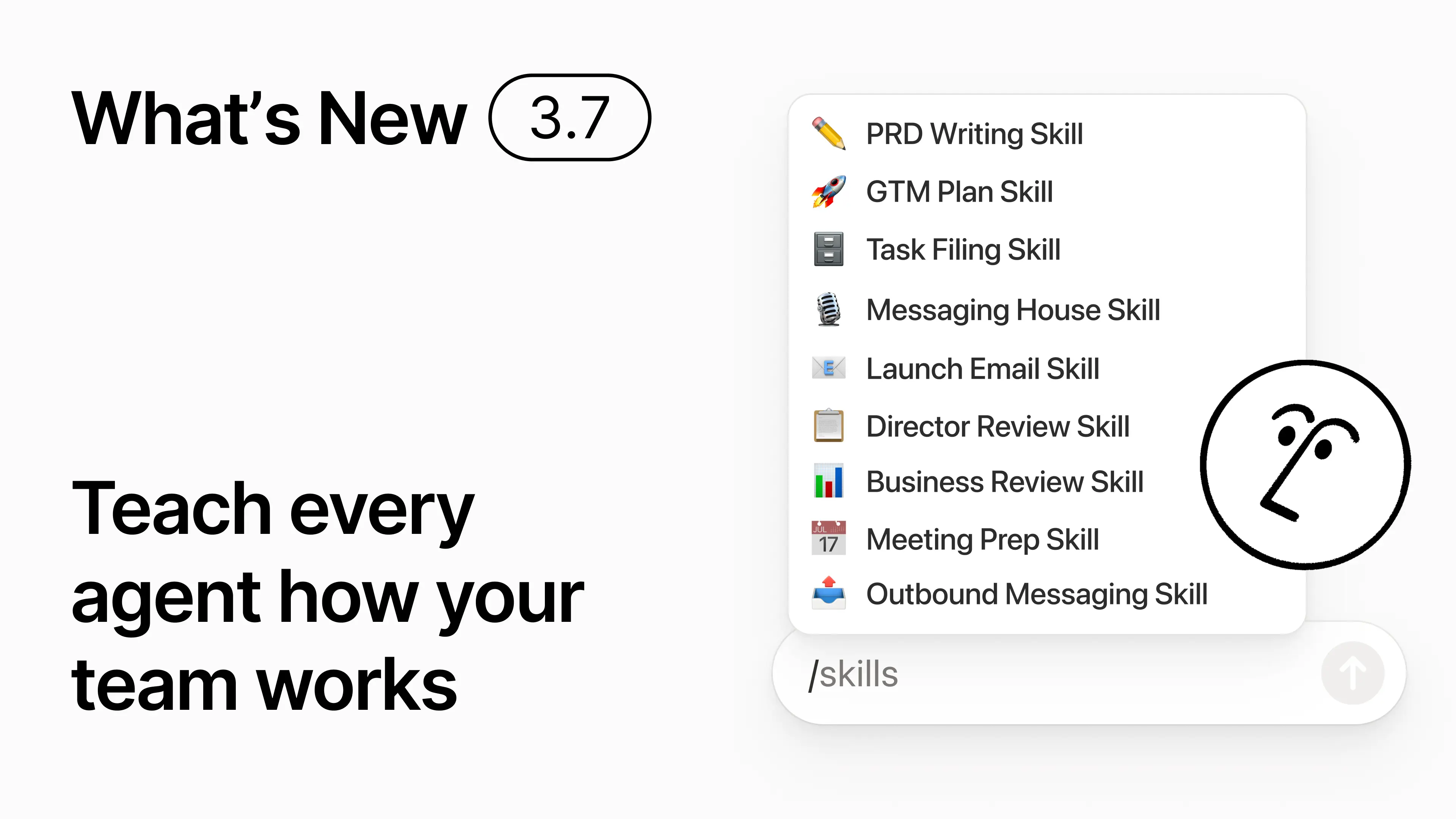
Los buenos prompts suelen quedarse en la cabeza de una persona o perderse en documentos y chats aislados. La biblioteca de habilidades ofrece a tu espacio de trabajo un centro único para todas las habilidades compartidas. Explorar la biblioteca de habilidades →
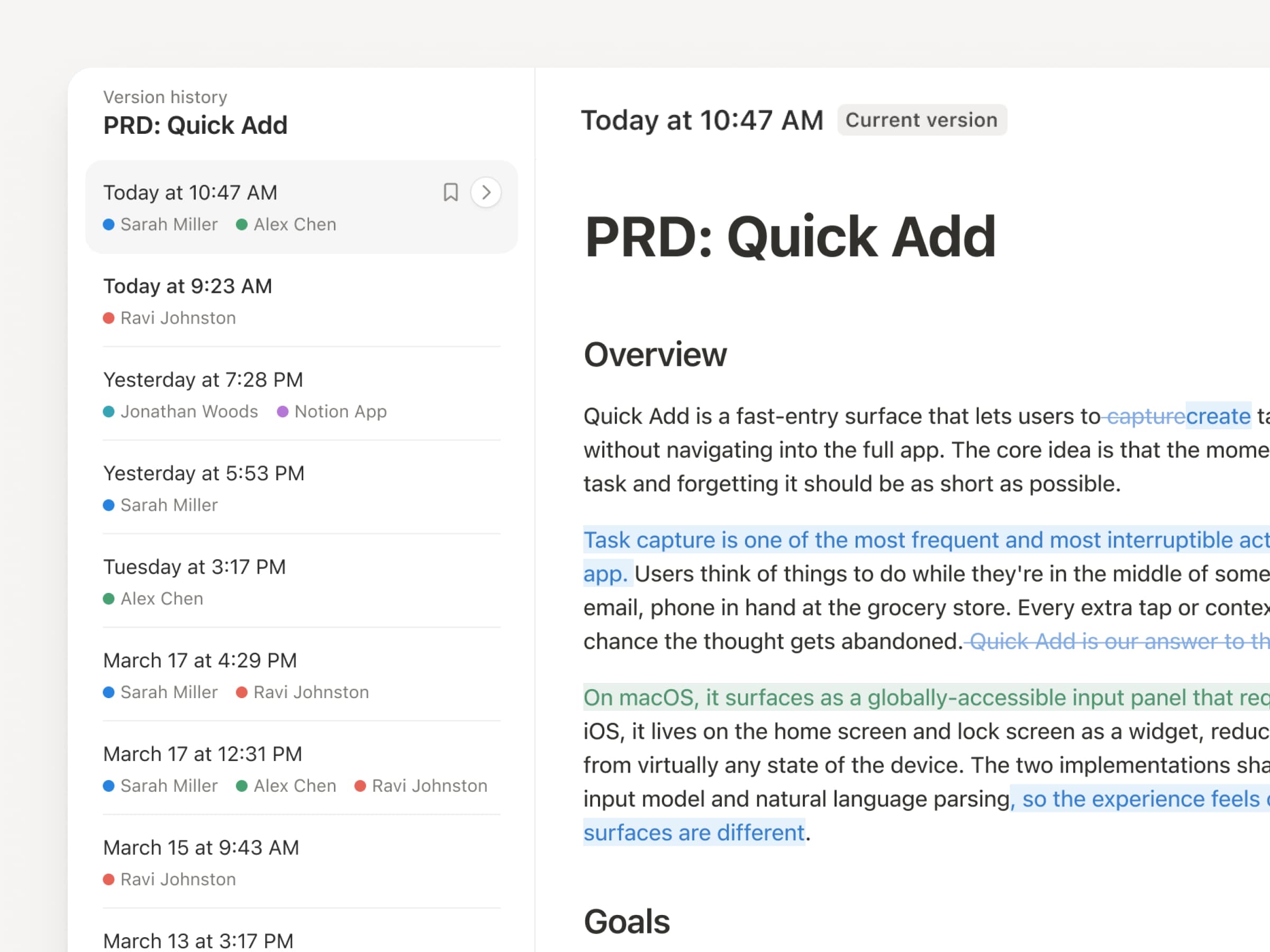
Agrupa habilidades relacionadas en una base de datos de Notion y, después, comparte una habilidad o toda la base de datos. Cada equipo dispone de un lugar sencillo donde encontrar sus habilidades de referencia, y todos utilizan siempre la versión más reciente. Más información →
Escríbela una vez y la IA la ejecutará a tu manera
Chatea con el Agente de Notion para crear una habilidad desde cero:
Revisa esta propuesta de funcionalidad utilizando nuestros estándares de producto, diseño e ingeniería.
Crea una lista de verificación para la configuración de nuevos empleados utilizando nuestras políticas de dispositivos y app.
Redacta esta descripción de puesto utilizando nuestro marco de niveles y el idioma aprobado.
¿No sabes por dónde empezar? No te preocupes: Notion también puede sugerirte habilidades en función de lo que ya haces en la plataforma. ¿Qué habilidades necesito? →
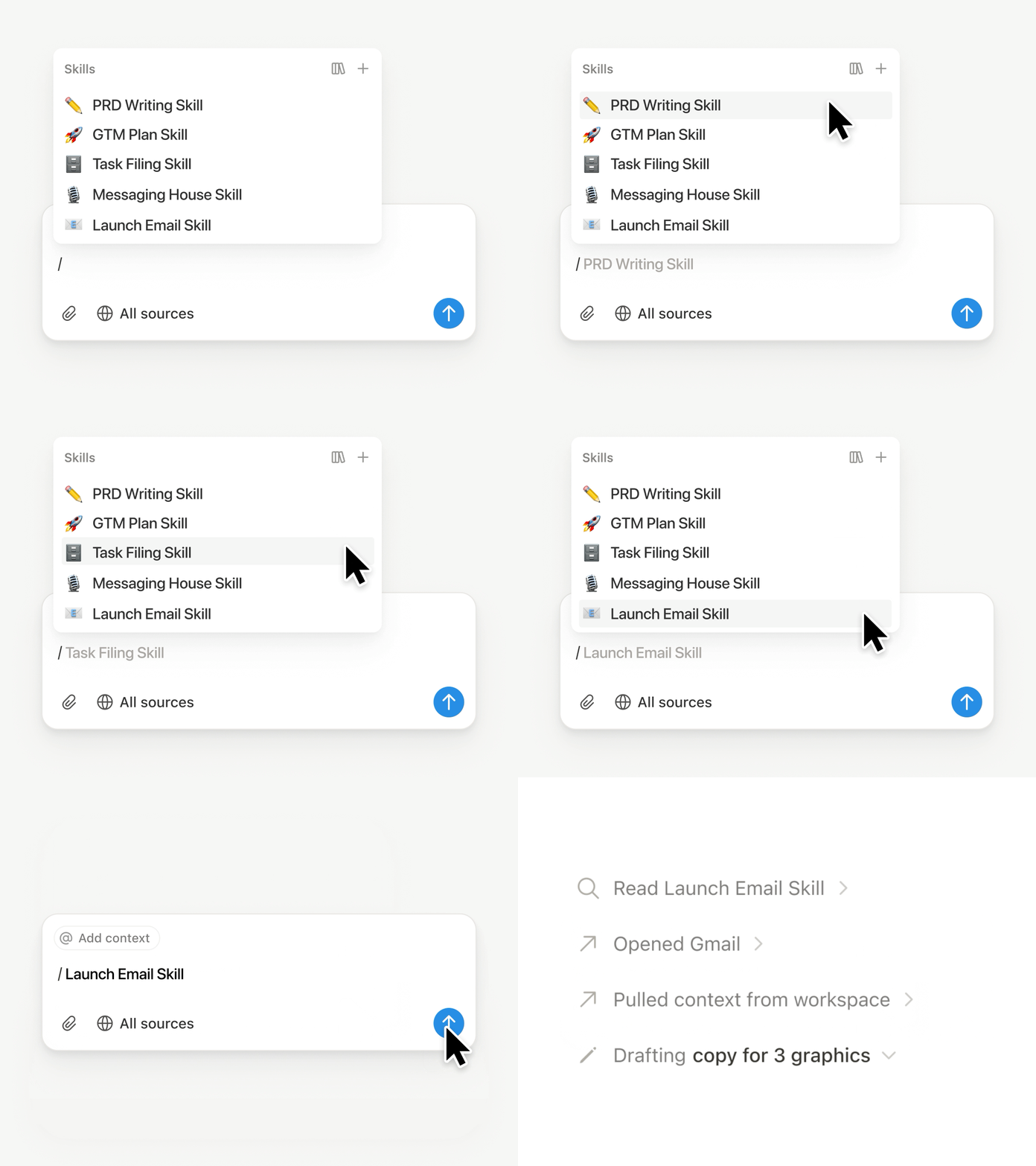
Ejecuta una habilidad justo cuando la necesitas
Escribe / en un chat con un Agente de Notion y elige la habilidad que quieras usar. Incluye cualquier detalle pertinente y, a continuación, pulsa Enter.
Ejecuta una habilidad lista para la ejecución para convertir un borrador en un resumen ejecutivo conciso con la conclusión principal, decisiones, riesgos y peticiones. O convierte las notas sin procesar en un PRD. Por si fuera poco, también puedes configurar las habilidades para que se ejecuten automáticamente. Más información →
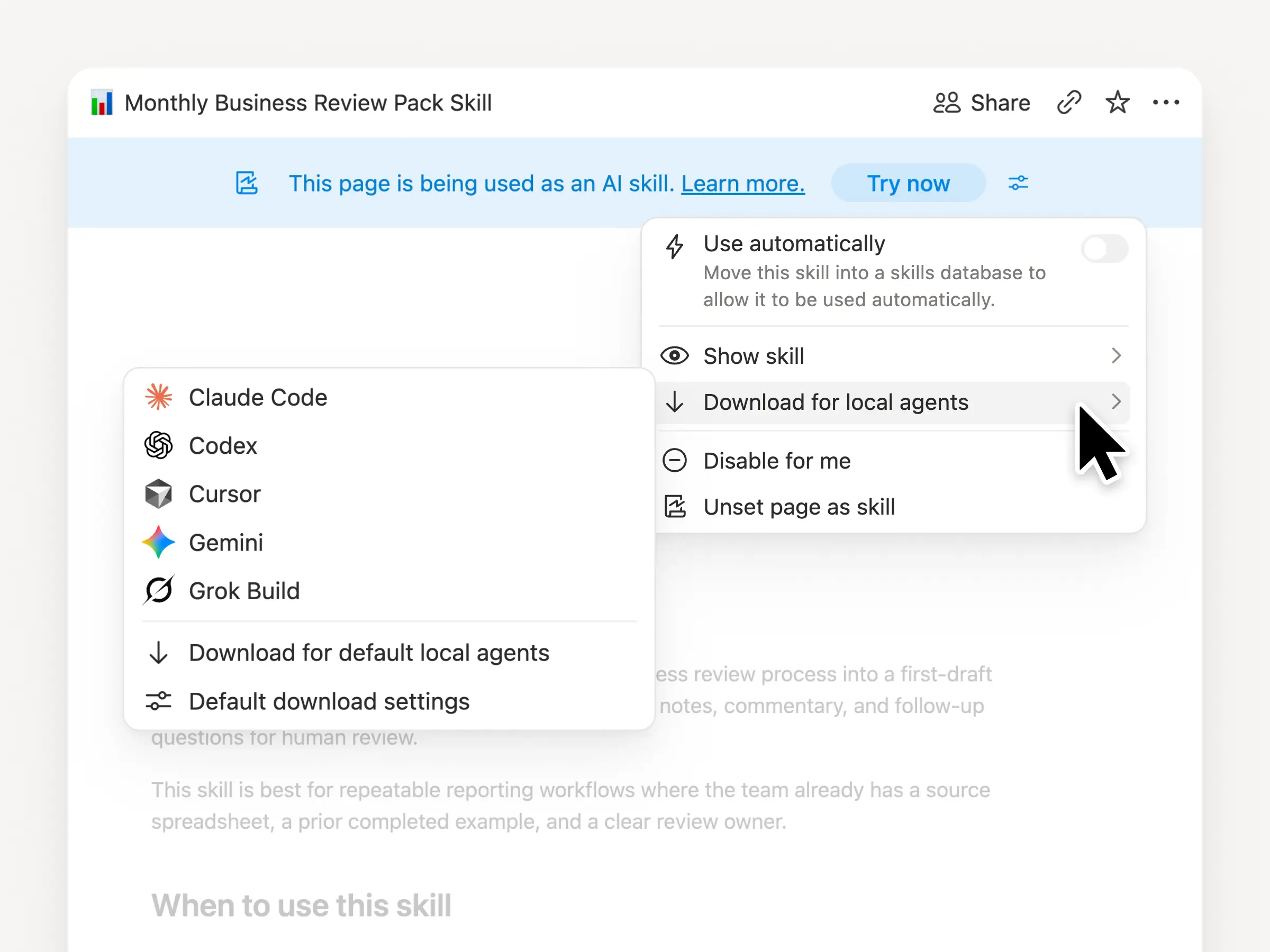
Lleva las habilidades de tu equipo a Claude Code, Codex, Cursor y más
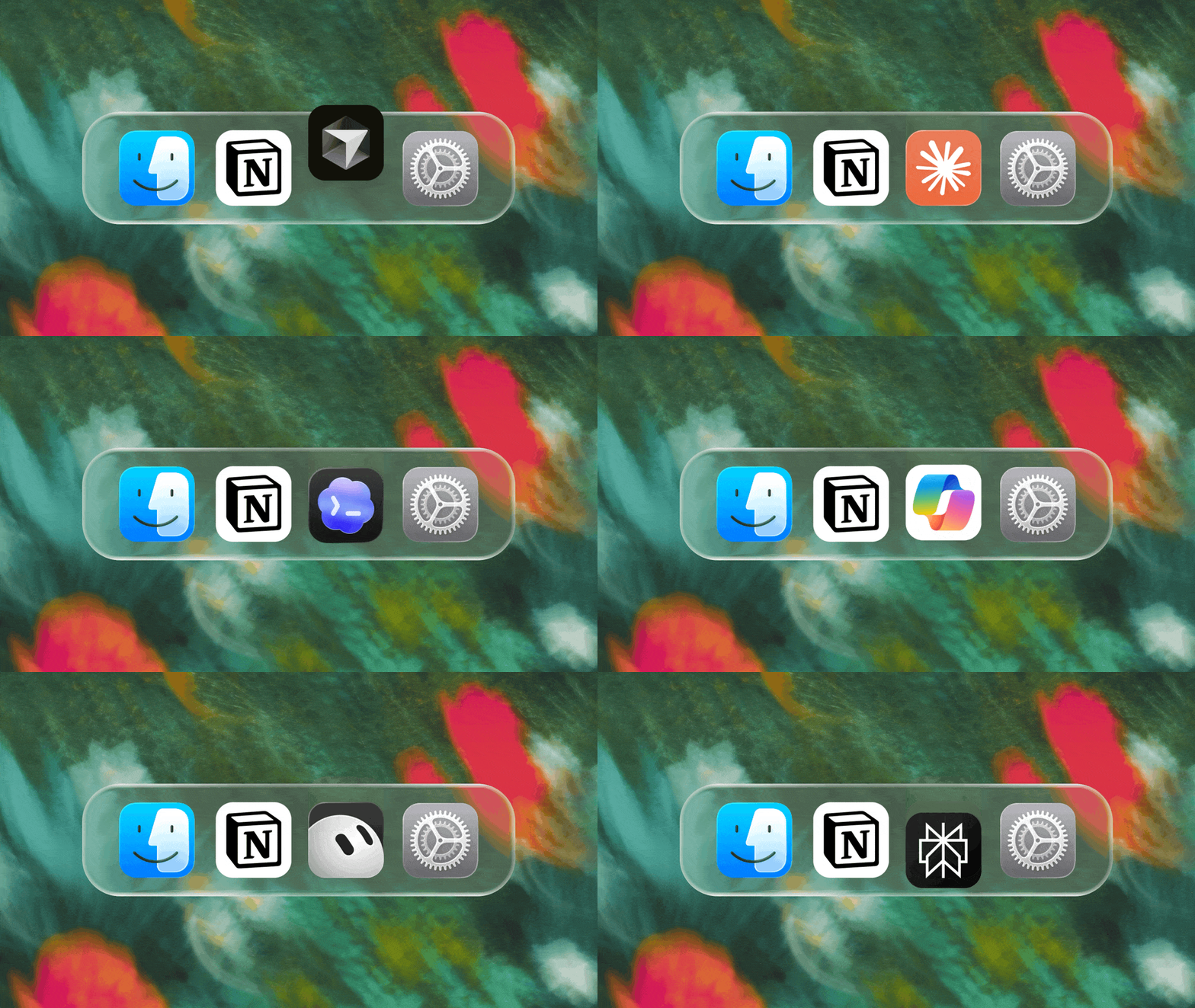
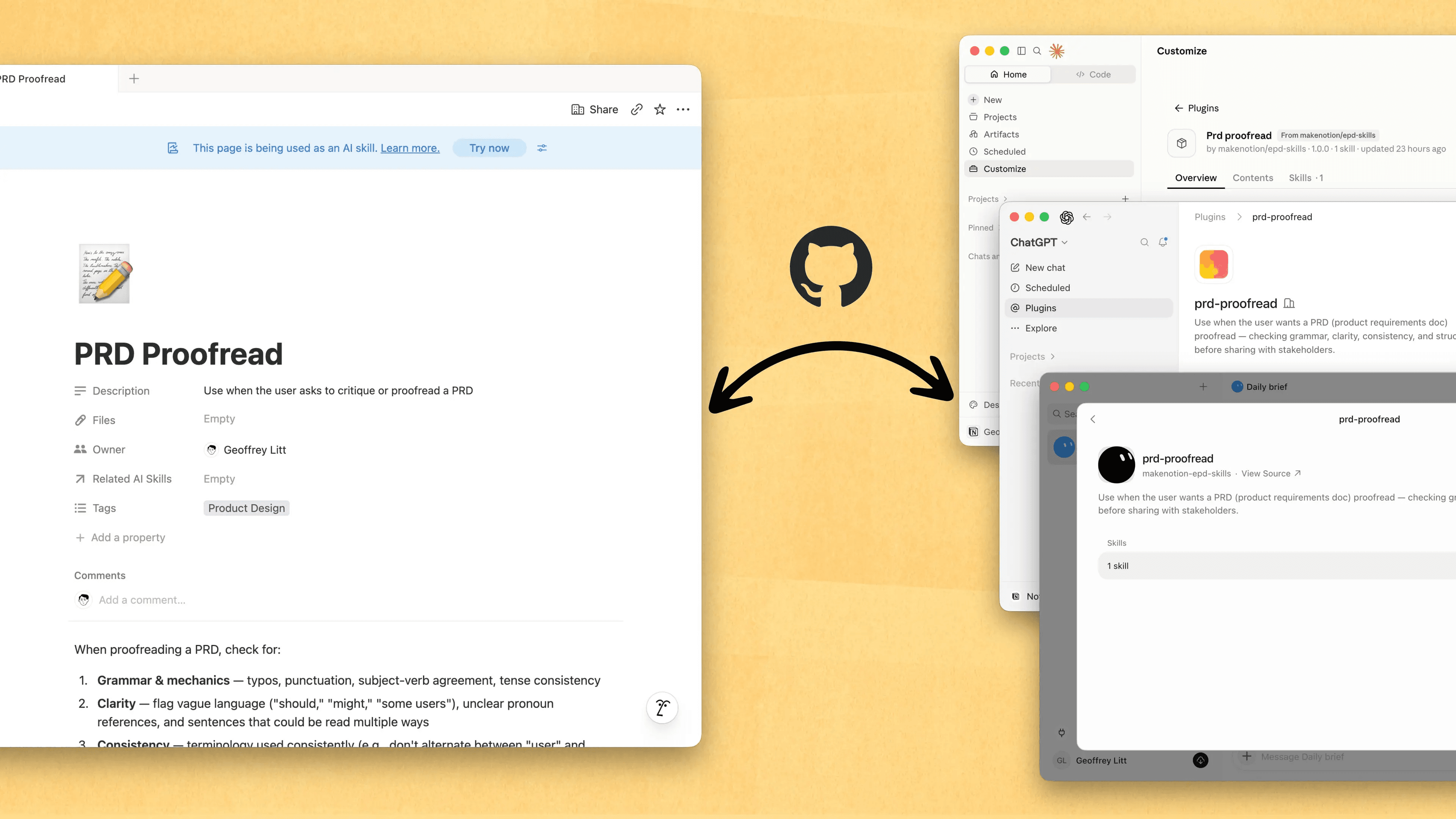
Lleva tus habilidades contigo sin importar el agente que uses. Crea y actualiza la habilidad en Notion, y después descárgala en Claude Code, Codex, Cursor, Gemini o Grok.
Notion crea la habilidad como un archivo SKILL.md, junto con los archivos complementarios aprobados. Cuando la habilidad se modifique en Notion, aparecerá con un distintivo para que sepas que debes descargar la versión más reciente. Tu equipo mantiene las instrucciones en un solo lugar y tus agentes locales pueden seguir el mismo proceso. Más información →
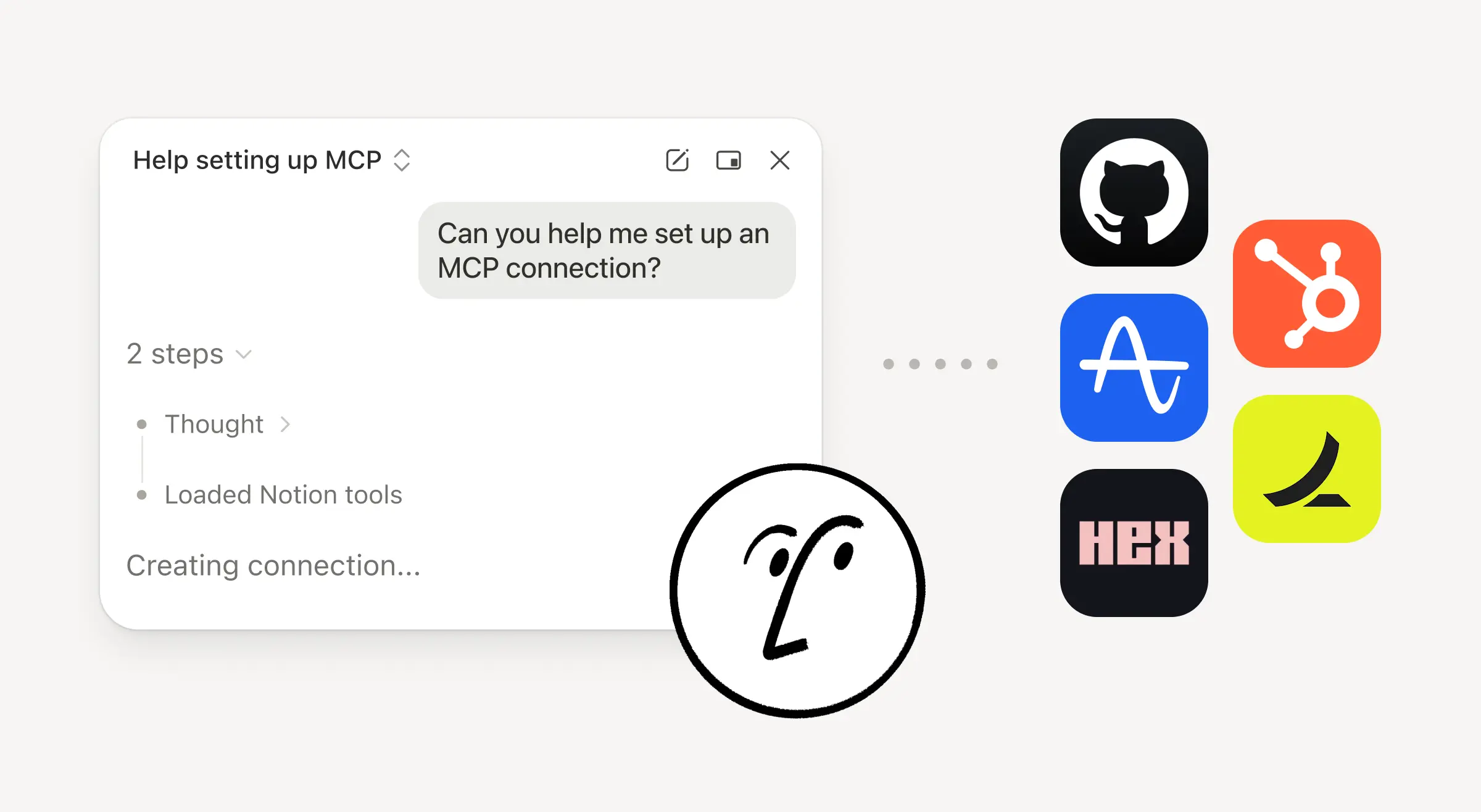
Pídele a tu agente que conecte GitHub, Amplitude y otras herramientas
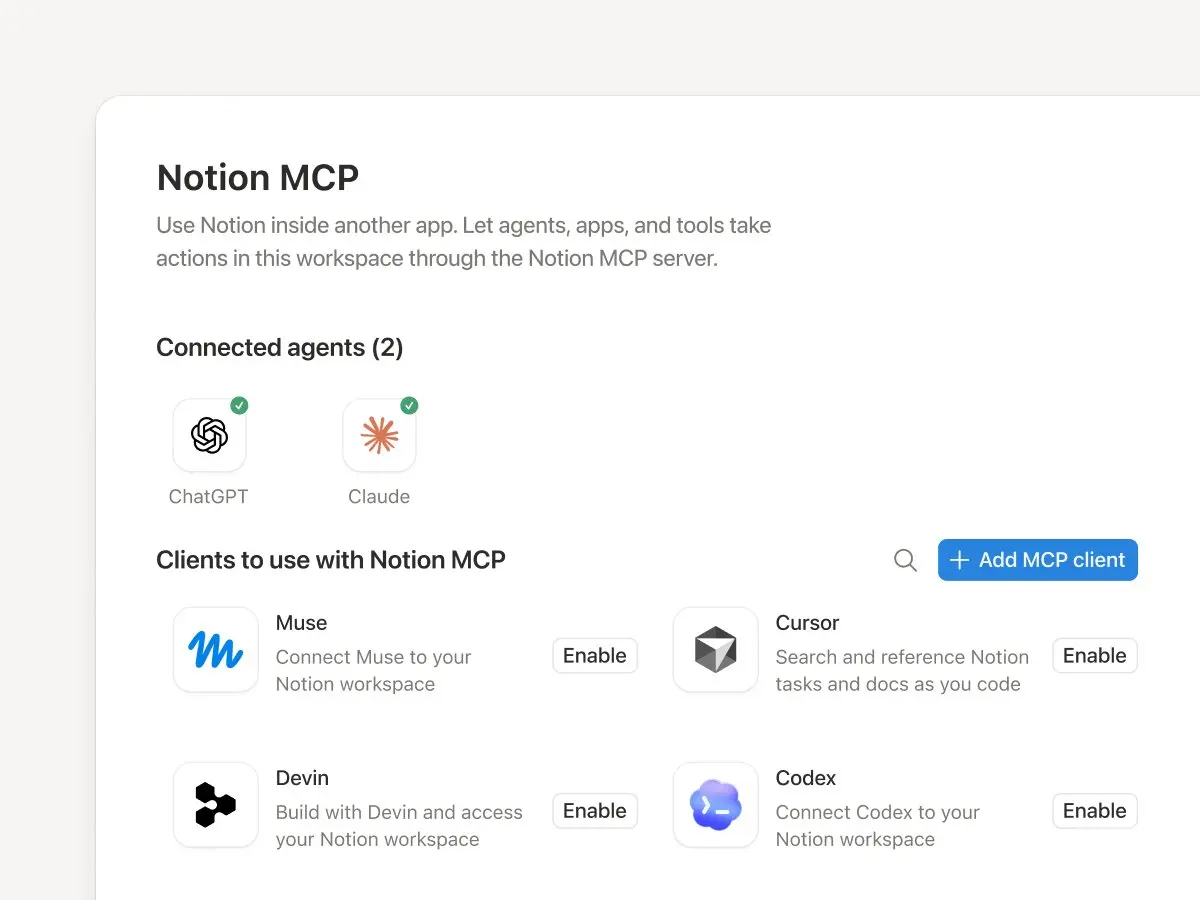
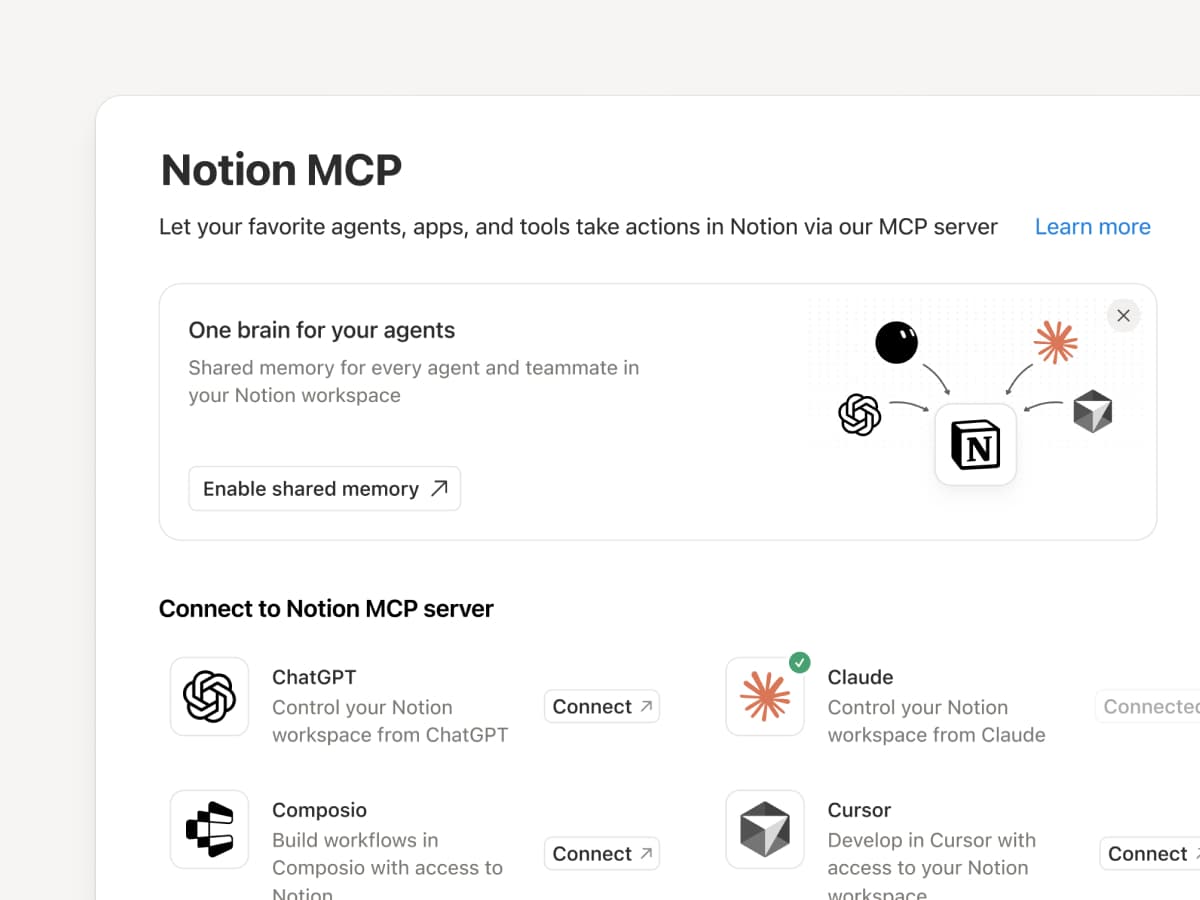
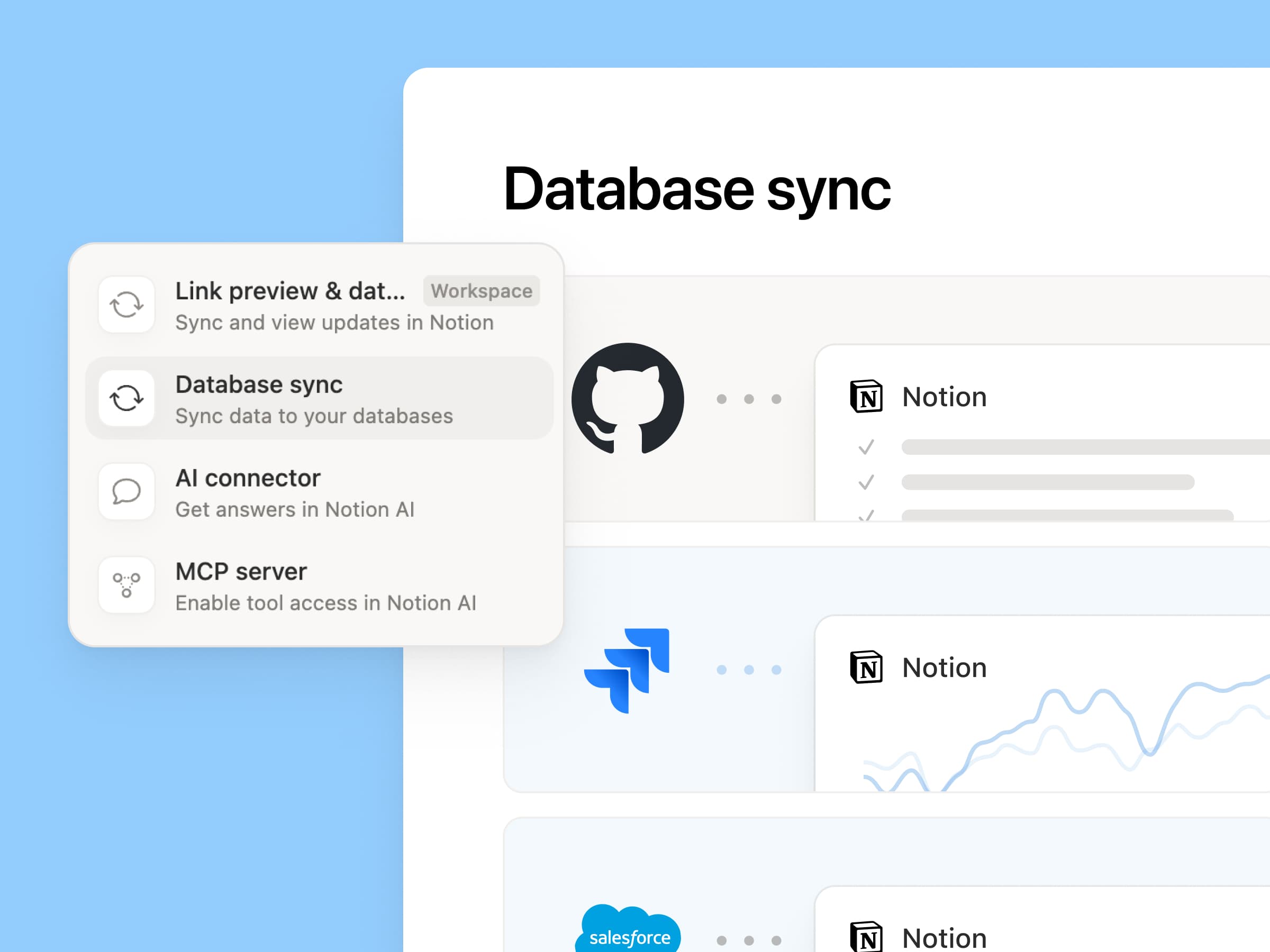
Integra más de tu trabajo en el Agente de Notion. Solo tienes que pedirle que conecte una herramienta y te guiará a través de la configuración. Ahora puedes conectar GitHub, Amplitude y otras herramientas con la conexión MCP personalizada para obtener contexto, consultar el rendimiento o ejecutar acciones en las herramientas que tu equipo ya utiliza. Conectar con GitHub →
Las confirmaciones te permiten tener el control, por lo que cualquier cambio tendrá que pasar por ti antes de entrar en efecto. Esta opción está disponible en versión beta para los planes Business y Enterprise. Más información →
¿Estás fuera? Utiliza la app Notion Agents para iOS
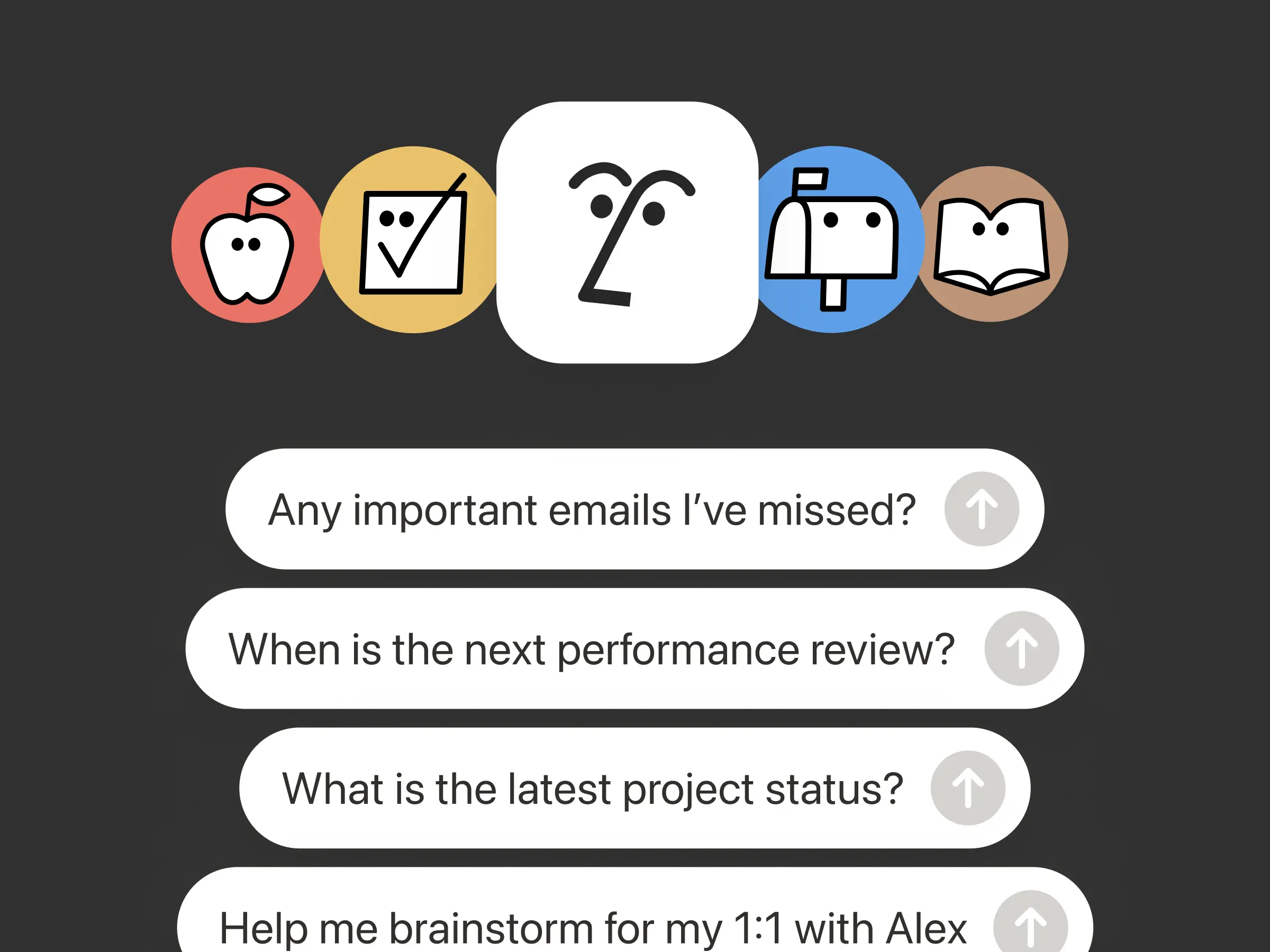
Las mejores ideas no esperan a que vuelvas a tu escritorio. Por eso, la app Notion Agents para iOS pone a tu disposición nada menos que 1000 agentes. Captura ideas y voz y fotos, prepárate para una reunión o crea un documento cuando estés en movimiento. Asigna una tarea a un agente y la completará antes de que vuelvas a abrir el portátil.
Haz que tu Agente Personalizado llame a subagentes
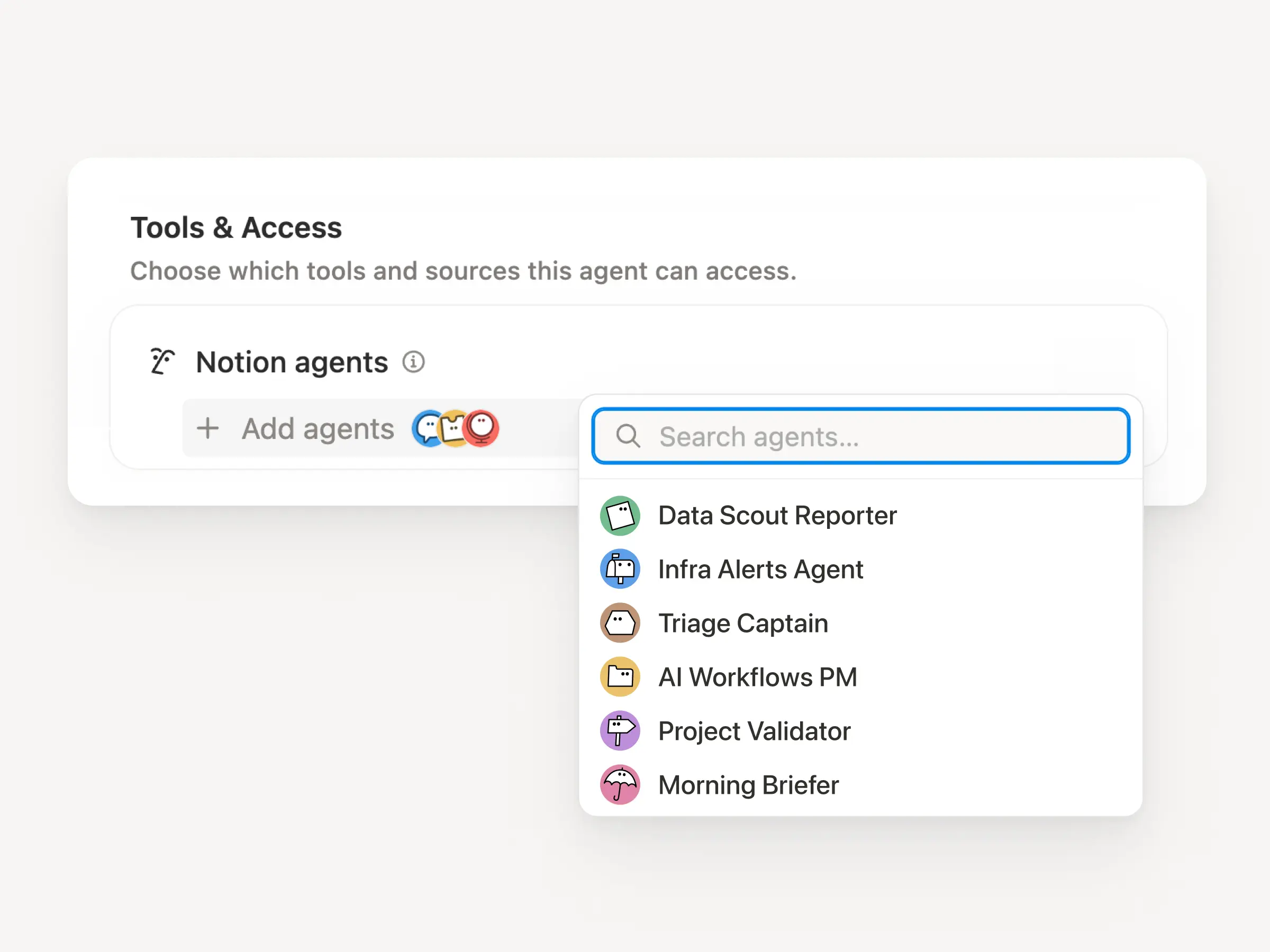
Los flujos de trabajo grandes rara vez consisten en una sola tarea. Ahora, un Agente Personalizado puede llamar a otros Agentes Personalizados como subagentes, cada uno con sus propias instrucciones, su propio contexto, su propio acceso y su propio modelo. Más información →
Un agente de gestión de proyectos para apps móviles puede enviar informes de errores a un agente de clasificación y preguntas sobre métricas a otro agente de informes, y luego incorporar las respuestas en una única actualización de Slack. El agente principal decide cuándo es el momento de delegar y utiliza cada respuesta para acabar la tarea. Remote gestiona su servicio de asistencia informática con cinco agentes de esta forma y ahorra 500 000 $ al año.
Los Agentes Personalizados pueden encargarse del trabajo posterior a las reuniones
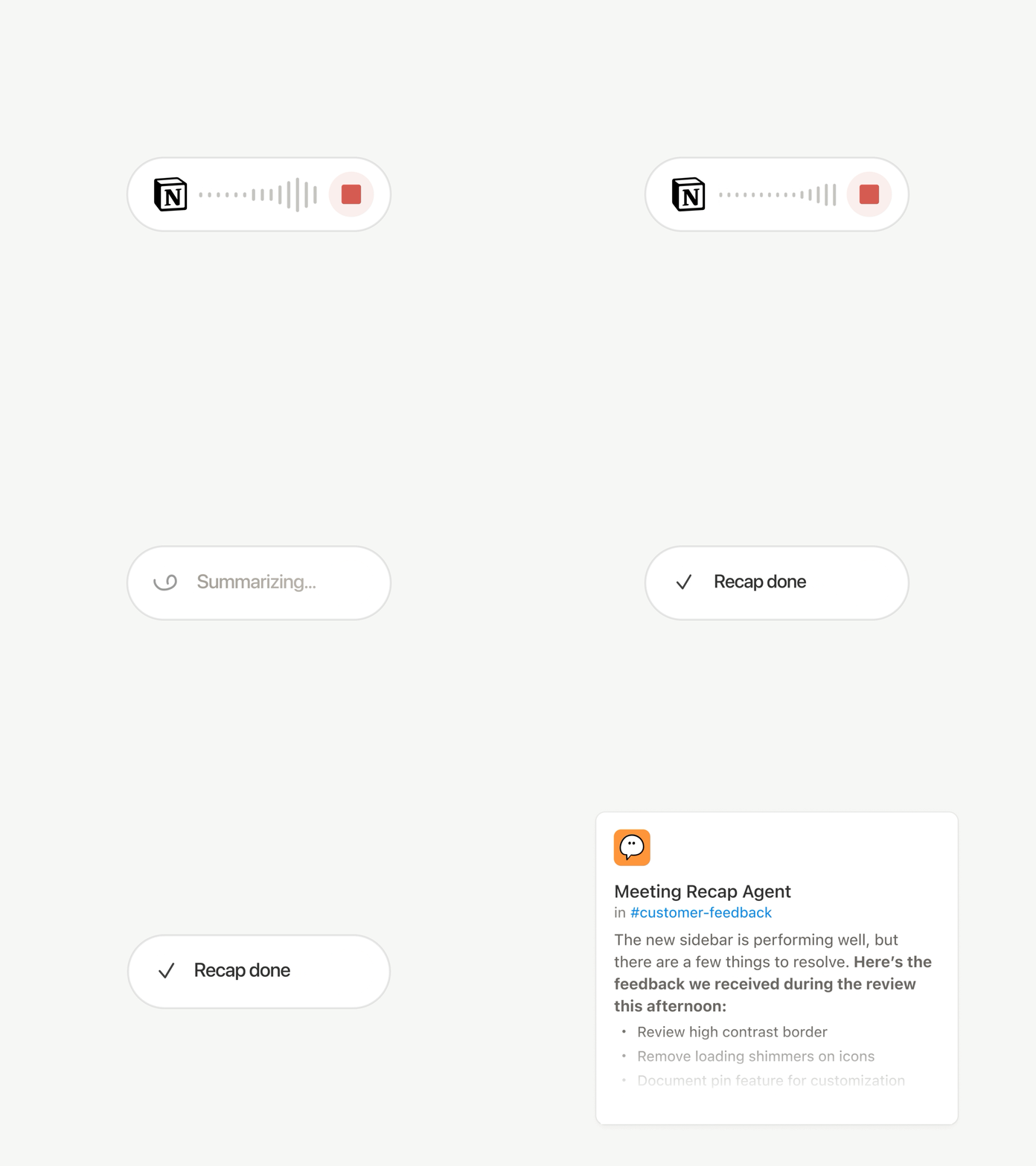
Cada llamada termina con las mismas tareas: Escribe el resumen, archiva las tareas pendientes y notifica a las personas que no asistieron. Ahora, los Agentes Personalizados pueden encargarse del trabajo posterior a la reunión de forma automática.
Elige qué reuniones son importantes y deja que un Agente Personalizado se encargue del después en cuanto los resúmenes estén listos. Como recibe la transcripción y el resumen, puede redactar la actualización de estado, archivar las tareas pendientes o enviar los comentarios de los clientes a la base de datos específica. Esta opción está disponible en los planes Business y Enterprise. Más información →
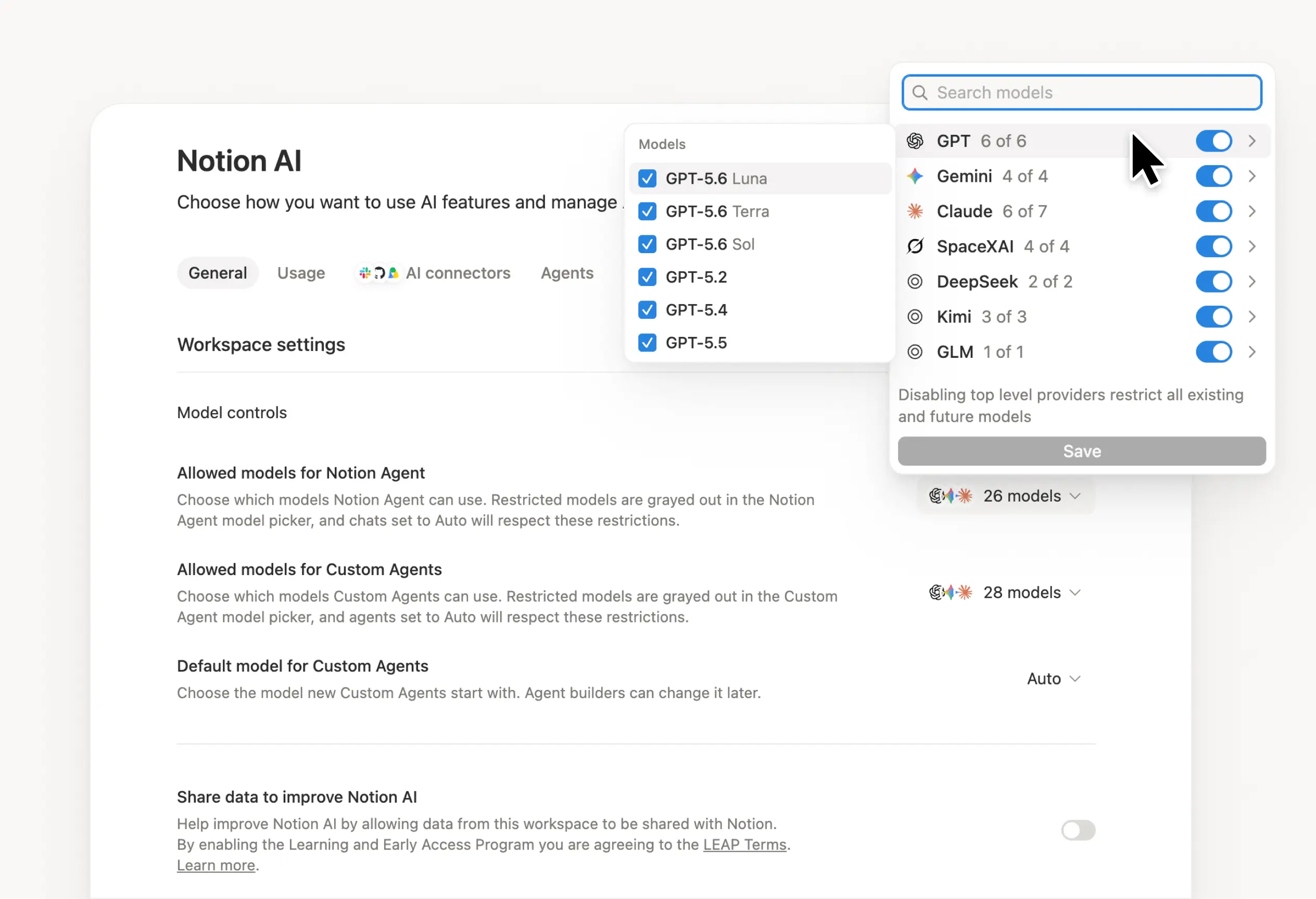
Explora todos los modelos y descubre cuál es el mejor para cada tarea
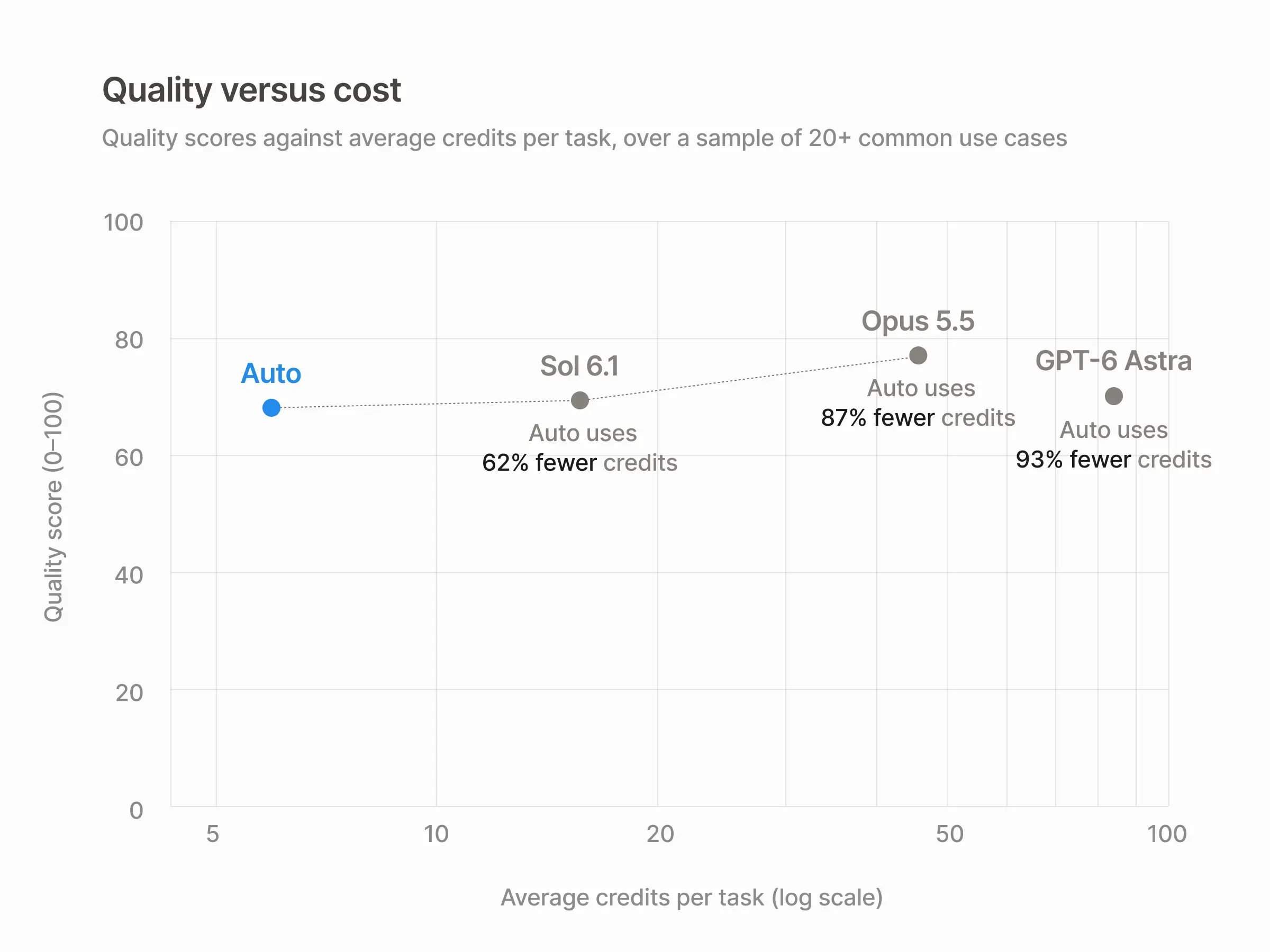
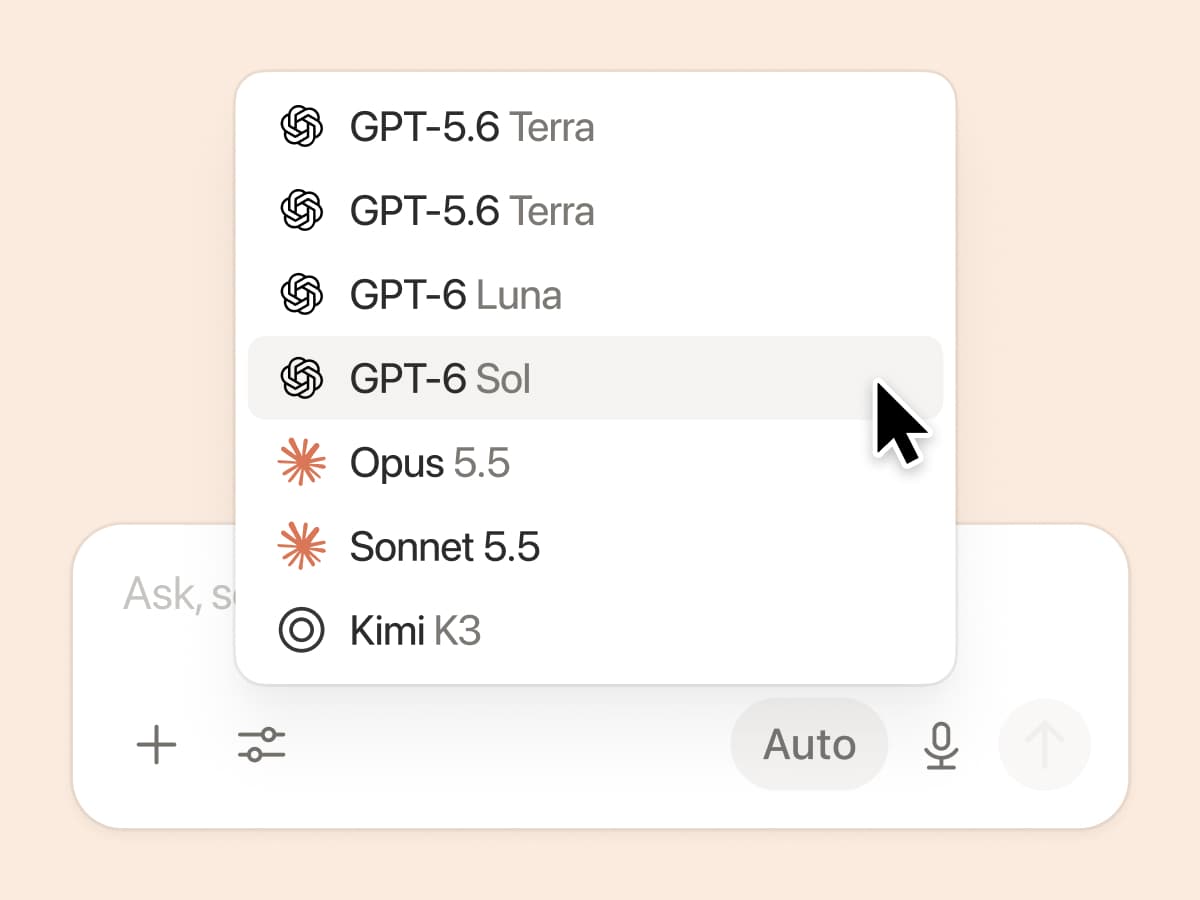
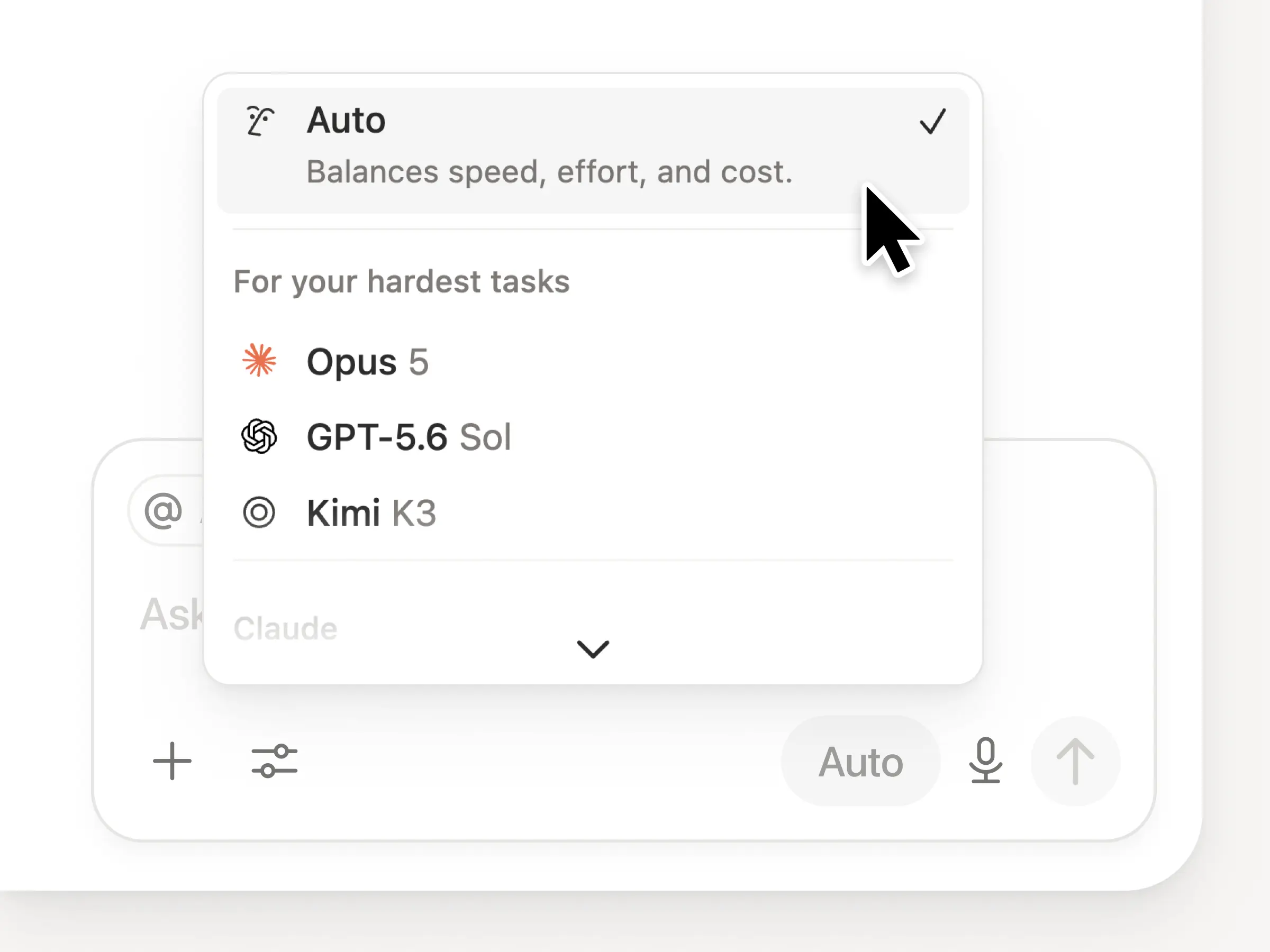
En Notion, tendrás acceso a todos los modelos más avanzados, incluidos Opus 5, GPT-5.6 Sol y Kimi K3. El nuevo selector de modelos se ha rediseñado para ayudarte a elegir el mejor modelo para tu trabajo, con indicadores de velocidad, inteligencia y costes.
Otra novedad es el Panel de conocimientos de Notion, que evalúa el rendimiento de los modelos en cuanto al trabajo rutinario. Compara los modelos →
/insertar un Agente Personalizado en cualquier documento. Coloca un agente justo donde se realiza el trabajo, para que cualquiera que esté en la página pueda usarlo. Descubre cómo →
Información sobre los Agentes Personalizados en la API pública. Incorpora el uso de créditos, las ejecuciones completadas y el estado, y habilita, desactiva o establece límites para cualquier agente. Business y Enterprise. Lee la documentación de la API Insights →
Gestiona tus Workers y conexiones: Abre la nueva sección de desarrolladores en la barra lateral para ver cada Worker, dónde está conectado y los registros de cada ejecución. Échale un vistazo →
SDK de agentes, ahora en versión beta pública. Continúa las conversaciones con Agentes Personalizados desde cualquier lugar, actívalas desde tu app y recibe los resultados en tiempo real. Business y Enterprise. Lee la documentación del SDK de Agentes →
El Portal para desarrolladores ahora está en Notion. Centraliza la gestión de tus Workers, conexiones y tokens de acceso personal. Abre el portal →
La Búsqueda con IA es un 50 % más rápida. Dedica menos tiempo a esperar respuestas y resultados de los agentes que utilizan el contexto del espacio de trabajo. Business y Enterprise. Pruébalo →
Ponte al día con tu bandeja de entrada. Pide al Agente de Notion que agrupe las notificaciones, muestre qué requiere tu atención y te ayude a eliminar el resto. Échale un vistazo →
¿Qué tal si te animas a probar las habilidades? Y comparte cómo podemos mejorarlo (tenemos más en preparación).